The rzfz.ai Stack — the integrated open-source stack for local AI infrastructure — bundles curated open-source modules as Docker Compose containers, behind Caddy as the single externally reachable entry point and Authentik SSO, on the rzfz.ai Box, your own Ubuntu 26.04 servers, or in the cloud.
StackMap
The Stack Map
From the reverse proxy to the agents — the entire rzfz.ai Stack, live from the data, grouped by layer. Click, focus, or tap a tile for details.
developed by razzfazz.ai GmbH
Experimental — new to the stack and not yet long in field use: working, but possibly still buggy
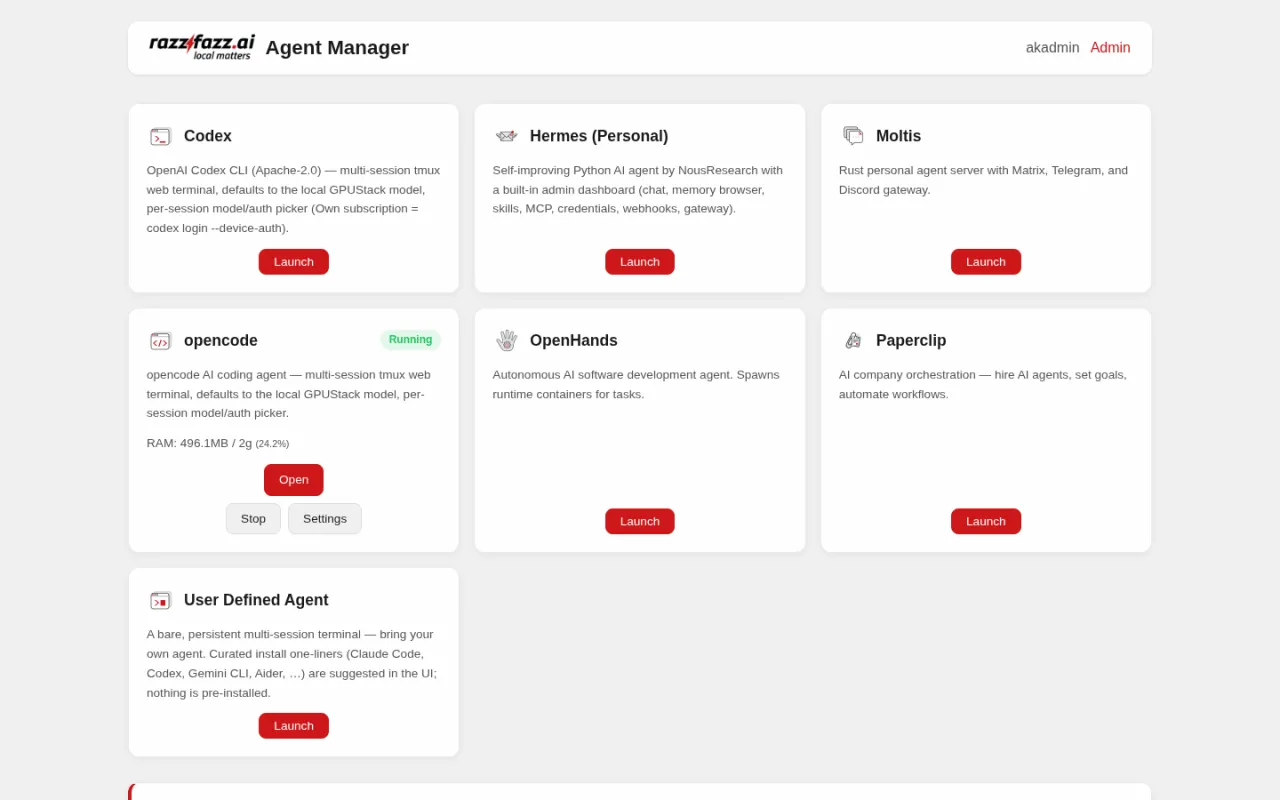
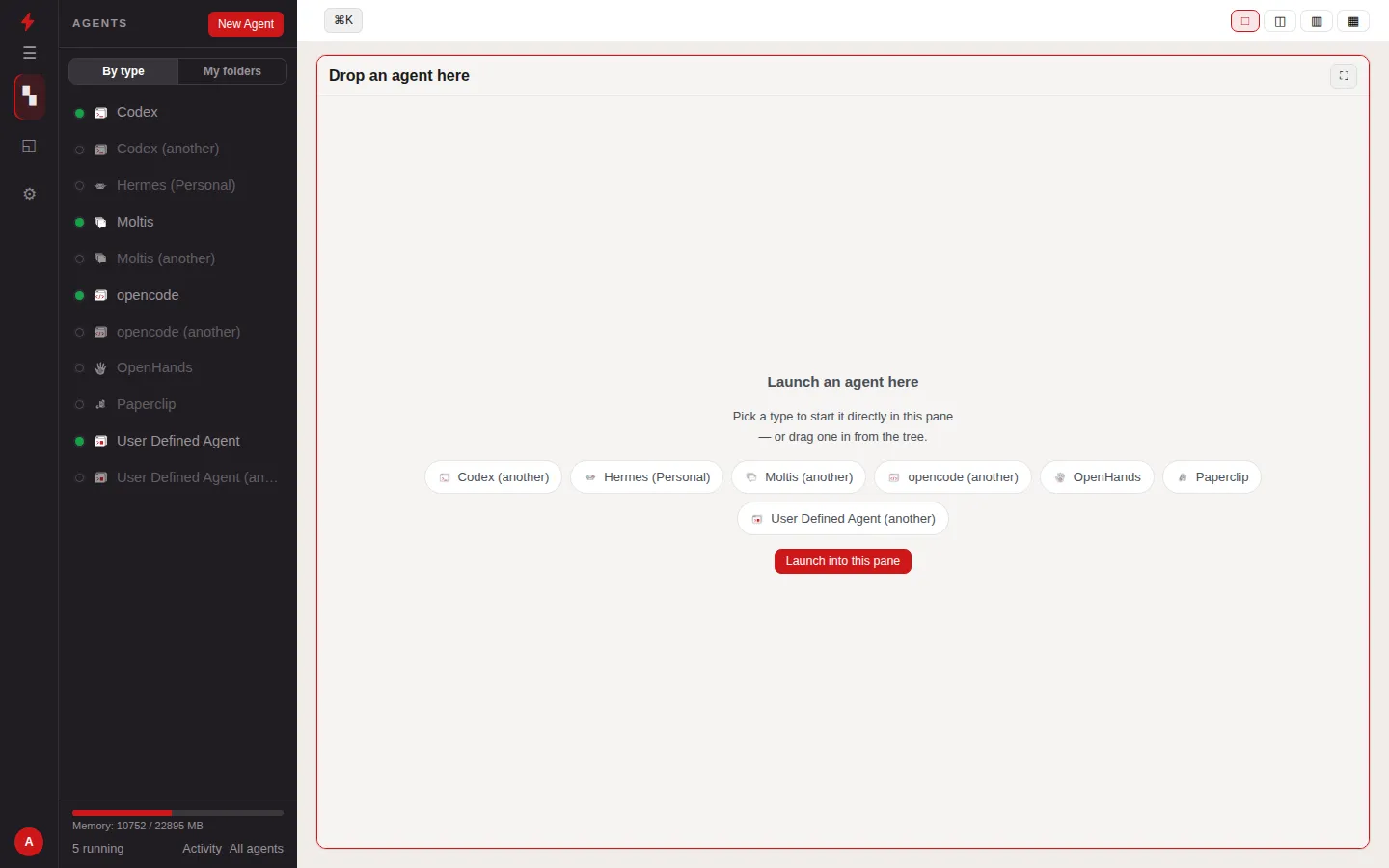
The agent manager is the orchestrator for the box's personal AI agents. Signed-in users launch their own isolated agent containers from it — each on its own address, with its own persistent volumes, and with quotas that cap resource use per user. Routes are registered dynamically with Caddy, idle agents are stopped automatically and stale instances are cleaned up. Administrators decide which agent types are available and which quota tiers exist. The portal shows the live status of every instance, opens one with a single click, and surfaces the running dev-server preview for coding agents; the raw terminal stays reachable as last-resort access one level down in the settings. Currently included as an experimental module.
The MCP manager is an rzfz.ai-developed management interface where users set up their own MCP integrations with their personal credentials — encrypted in an AES-256-GCM vault and isolated in a per-user proxy container. A user releases an integration they have set up to their own Hermes, Moltis or coding agents. Currently included as an experimental module.
new to the stack and not yet long in field use — working, but possibly still buggy
Based on Hermes by Nous Research — packaged as a container for the stack by razzfazz.ai GmbH.
US
Apache-2.0
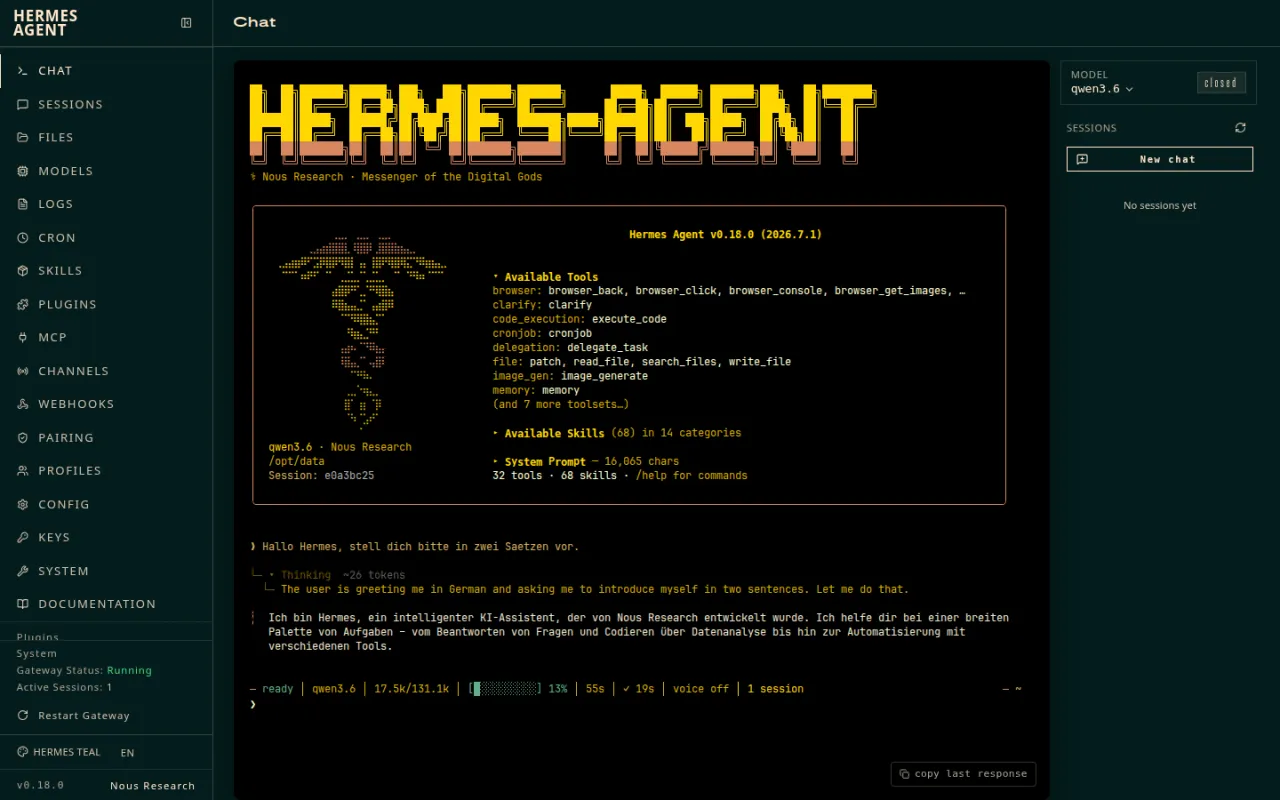
Hermes is a self-improving Python agent by Nous Research, which rzfz.ai packages as a container with persistent memory, more than 30 tools and an MCP client. In the stack, each user provisions their own Hermes instance through the agent manager, along with the Hermes Workspace UI for browsing memory and skills. Currently included as an experimental module.
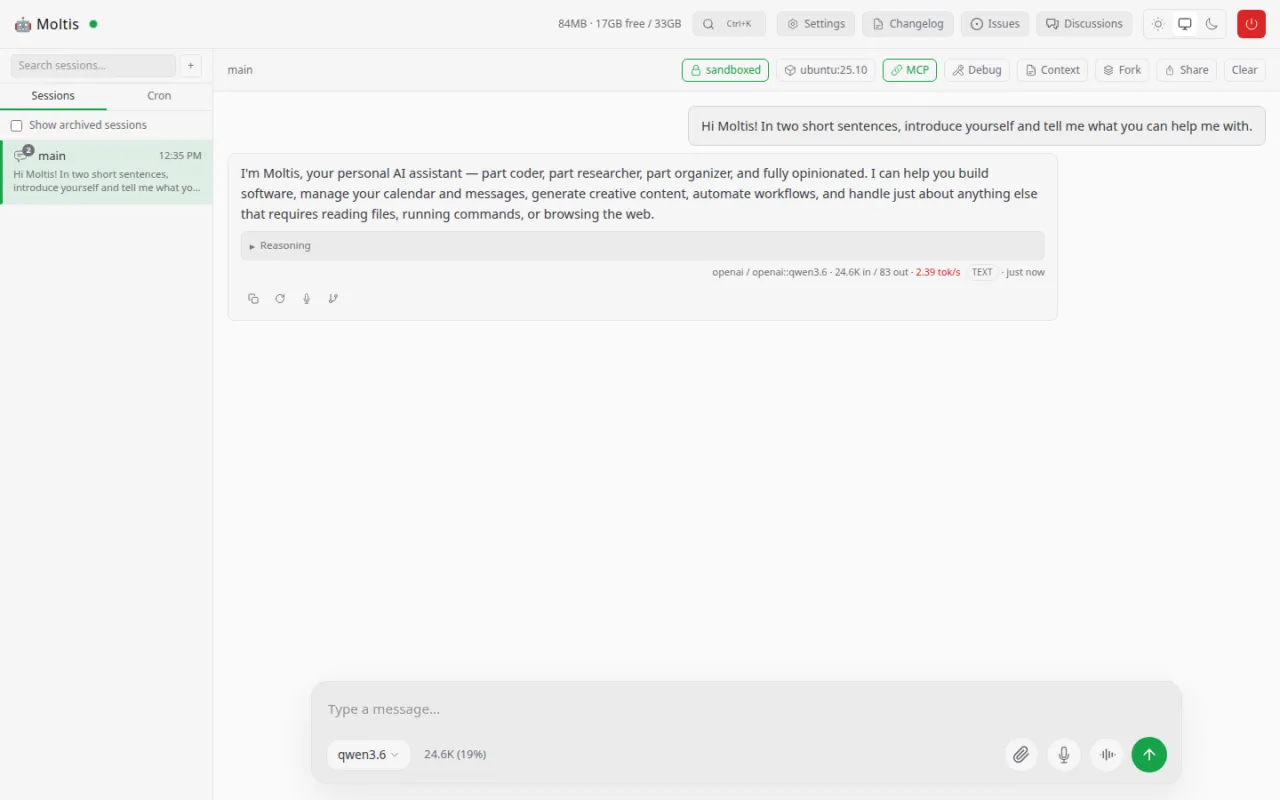
Moltis is a personal agent server written in Rust with Matrix, Telegram and Discord gateways and sandboxed code execution, which rzfz.ai packages as a container. In the stack, each user provisions their own Moltis instance through the agent manager, with persistent memory. Currently included as an experimental module.
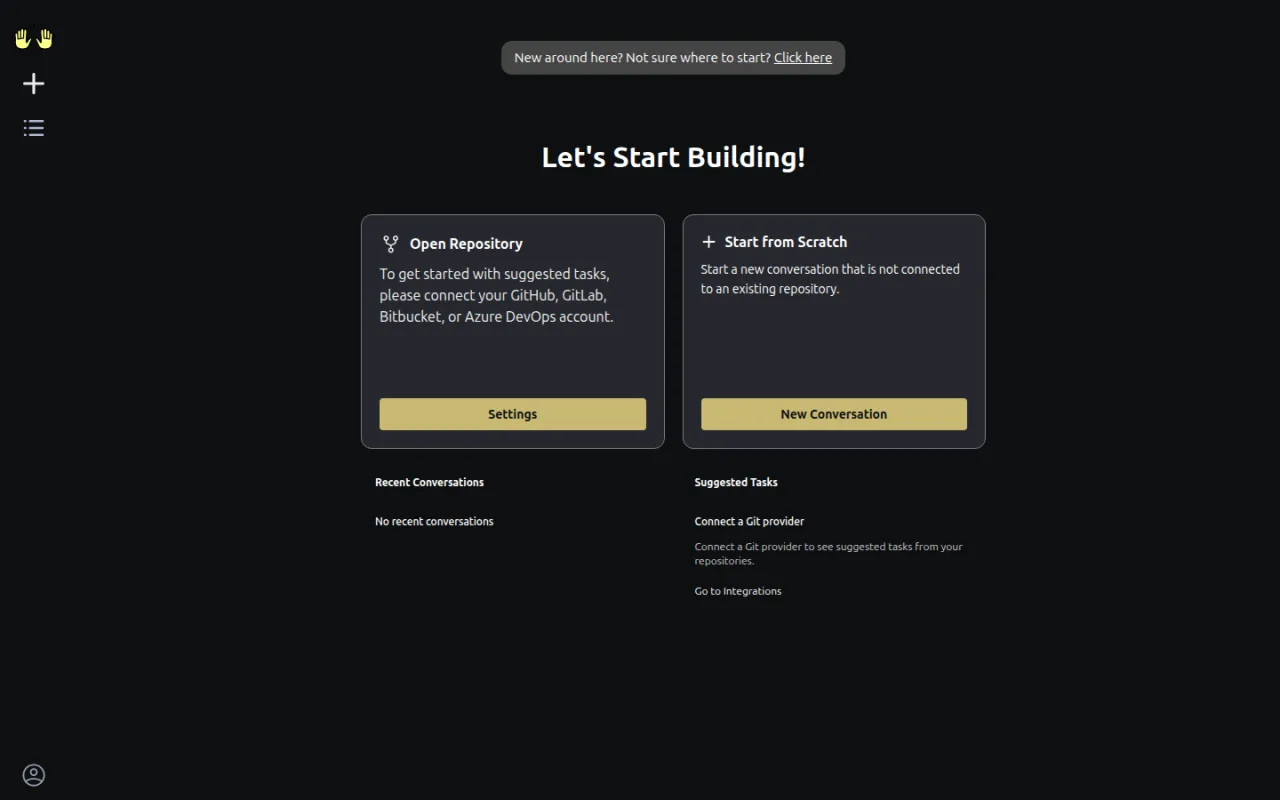
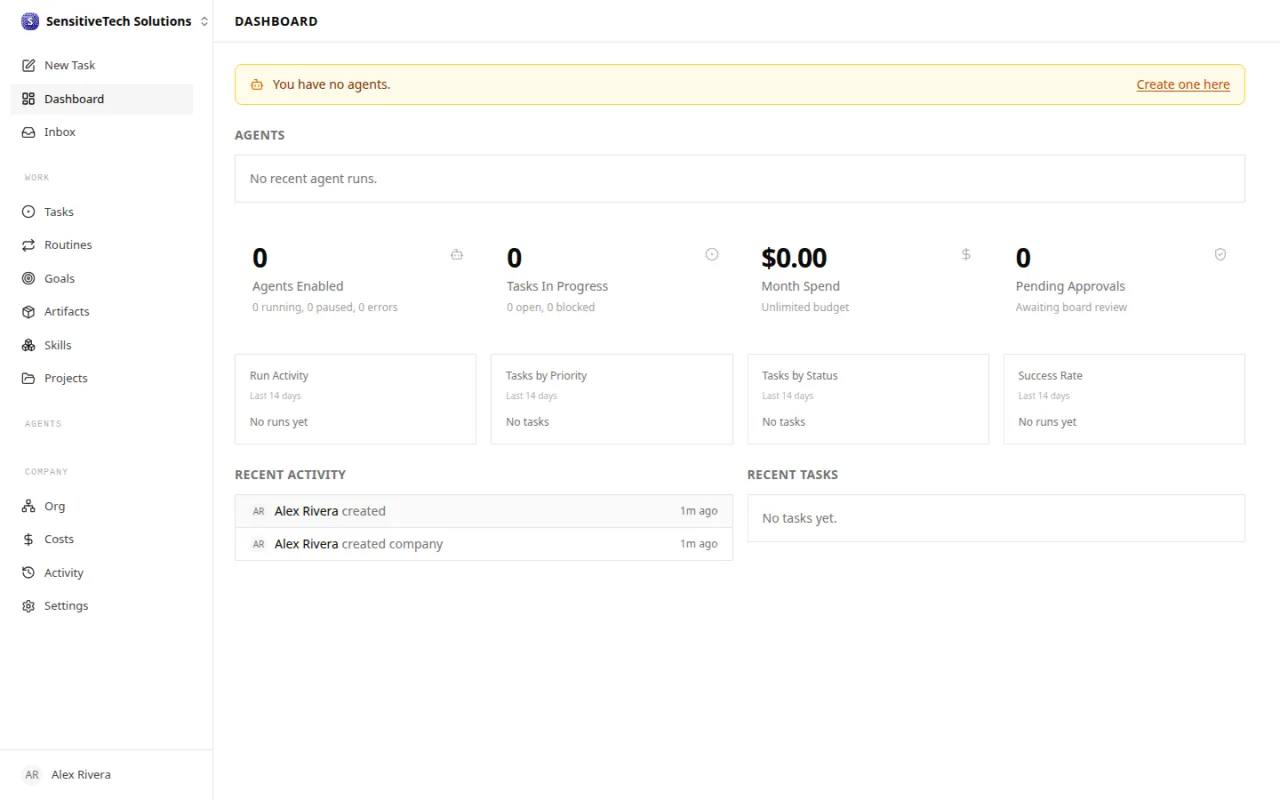
OpenHands is an autonomous coding agent that plans, writes, runs and tests code, spinning up per-task sandbox containers as it works. In the stack it integrates with Gitea for repositories and pull requests and with the LLM manager for inference, and requires access to the Docker socket. Currently included as an experimental module.
Paperclip is an agent orchestrator that rzfz.ai runs as a container: it assigns roles and goals to teams of agents, distributes tasks and tracks budgets with an audit log. In the stack it integrates Gitea, Infisical and the LLM manager, and is still in an early stage of development. Currently included as an experimental module.
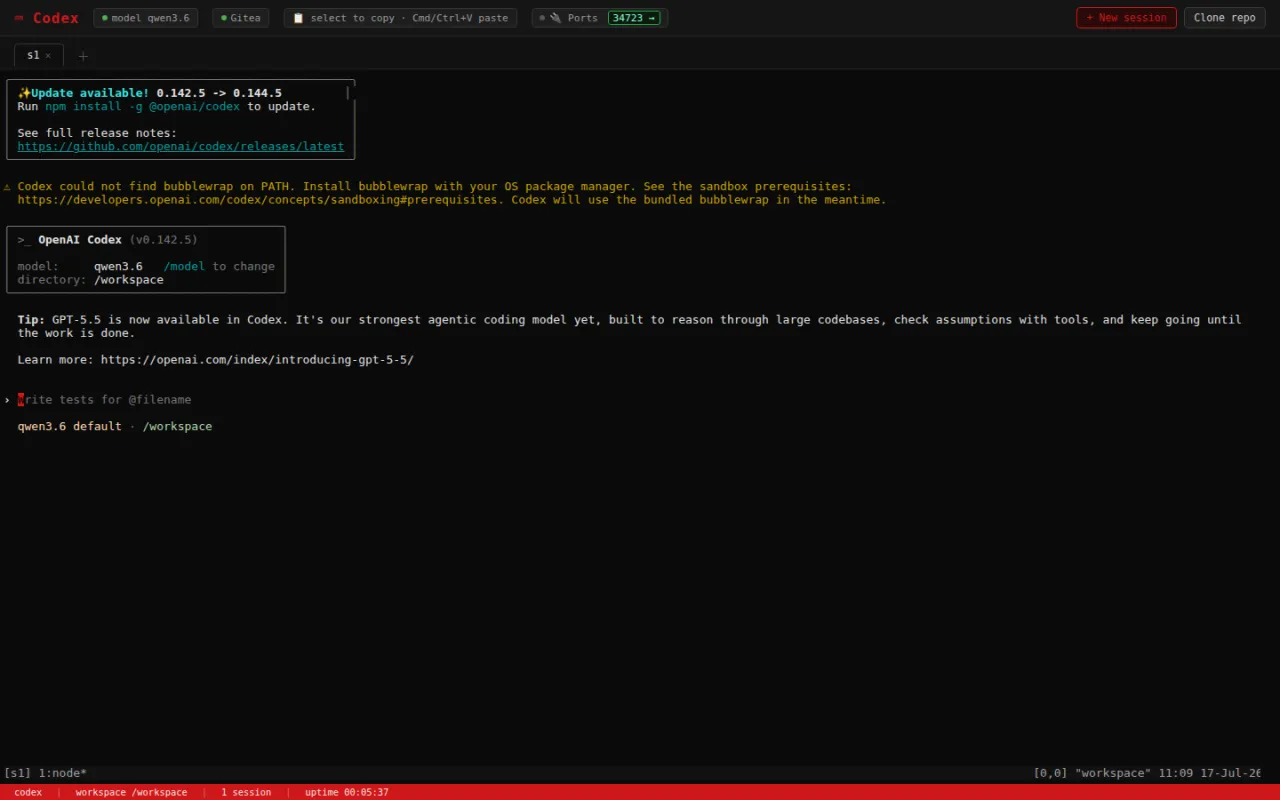
Codex is an open-source terminal coding agent built by OpenAI. In the stack it runs as one of the sandboxed per-user containers in the persistent coding agents workspace, pre-wired against the local models of the LLM manager. Currently included as an experimental module.
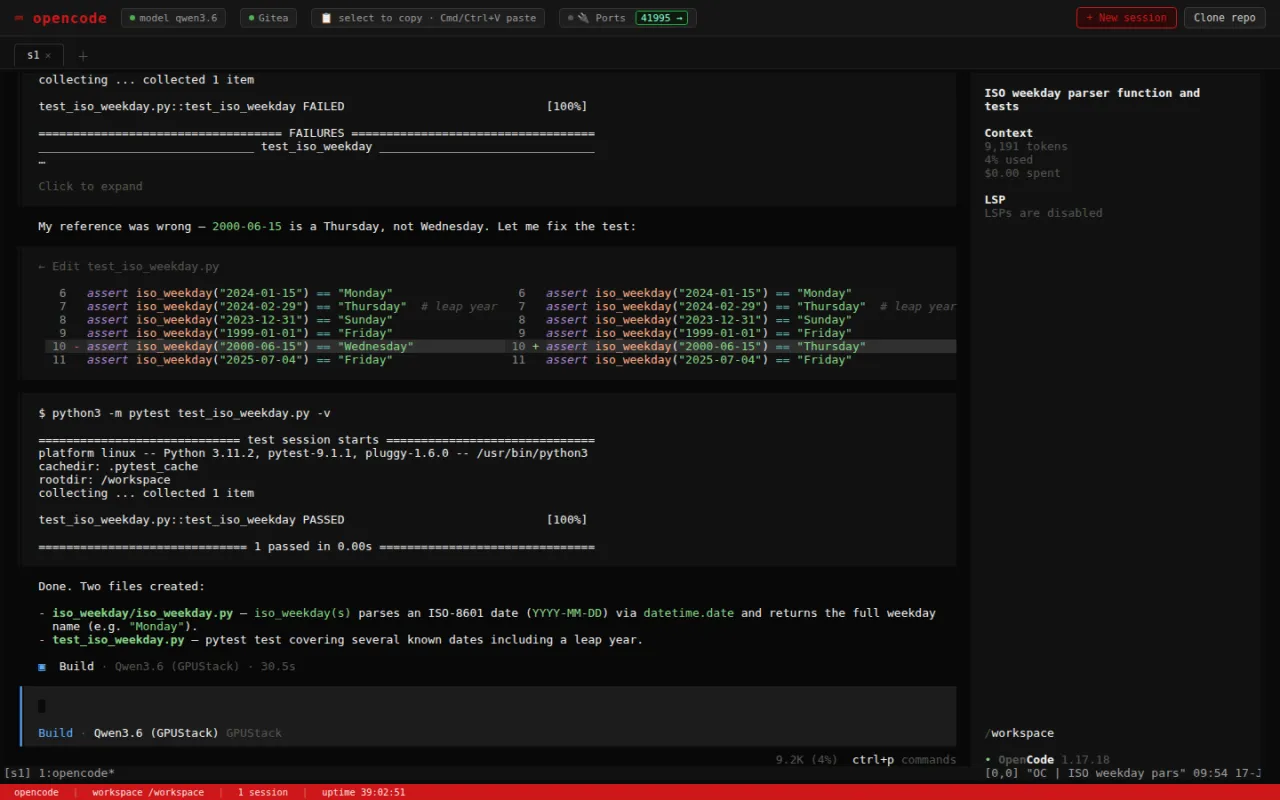
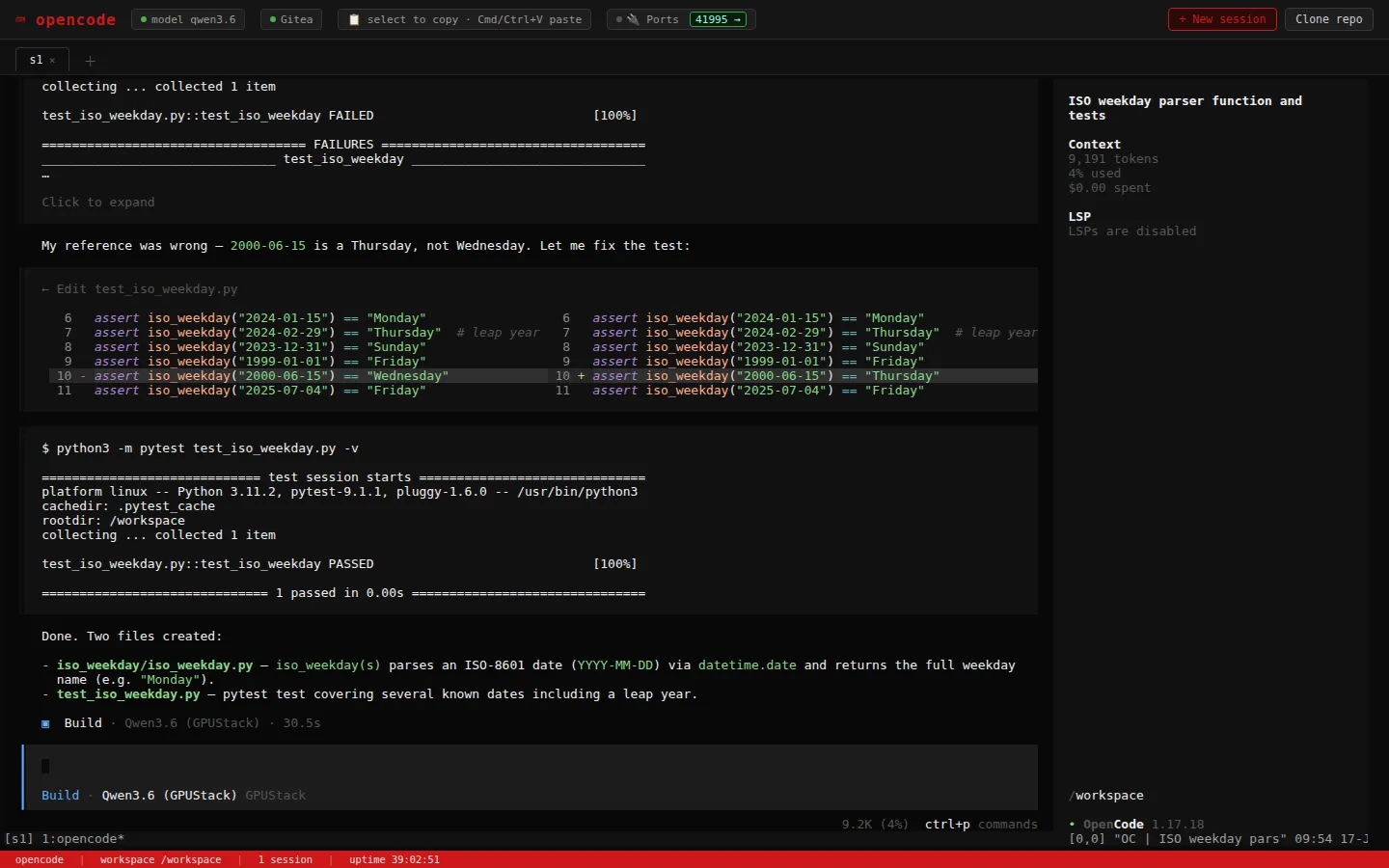
OpenCode is an open-source AI coding agent for the terminal. In the stack it runs as one of the sandboxed per-user containers in the persistent coding agents workspace, pre-wired against the local models of the LLM manager. Currently included as an experimental module.
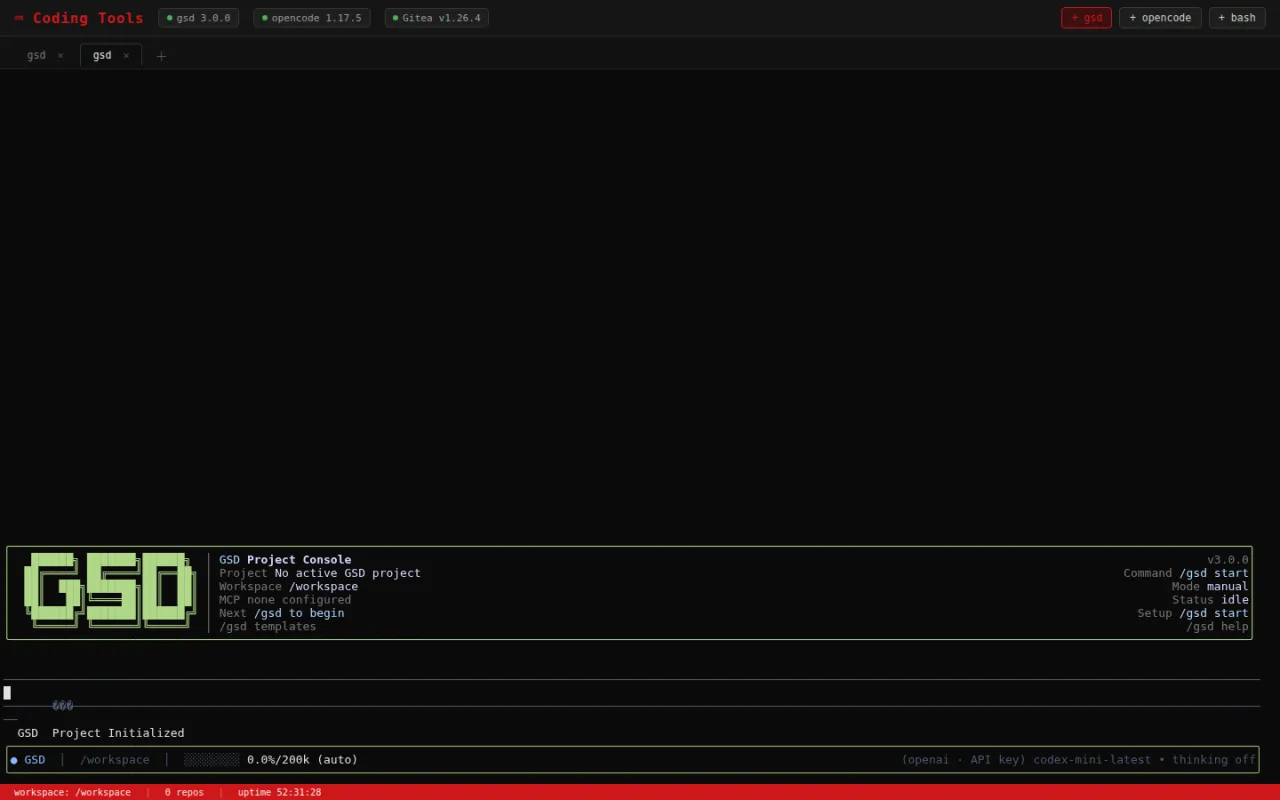
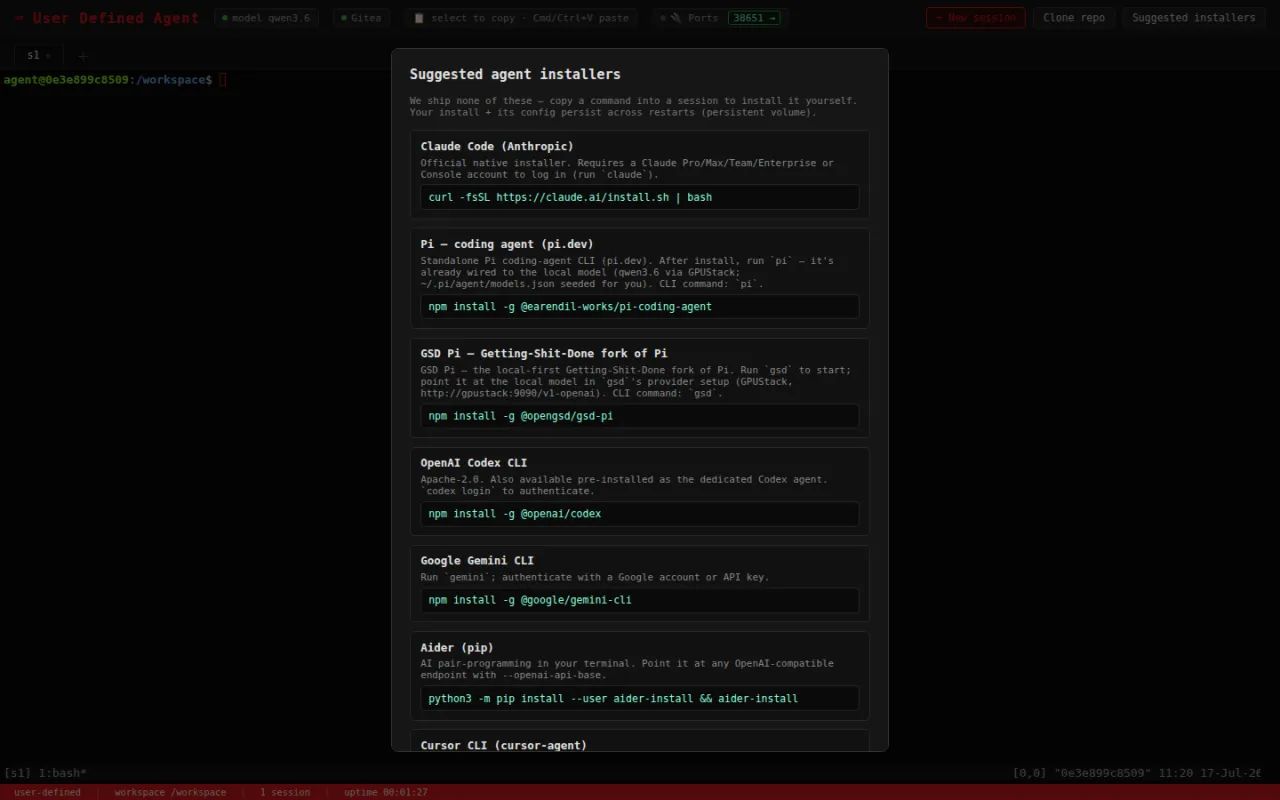
gsd-pi is an open-source tool for spec-driven development. It is no longer its own baked image, but an rzfz.ai-suggested user-defined install (`npm i -g @opengsd/gsd-pi`) inside the persistent coding agents workspace. Currently included as an experimental module.
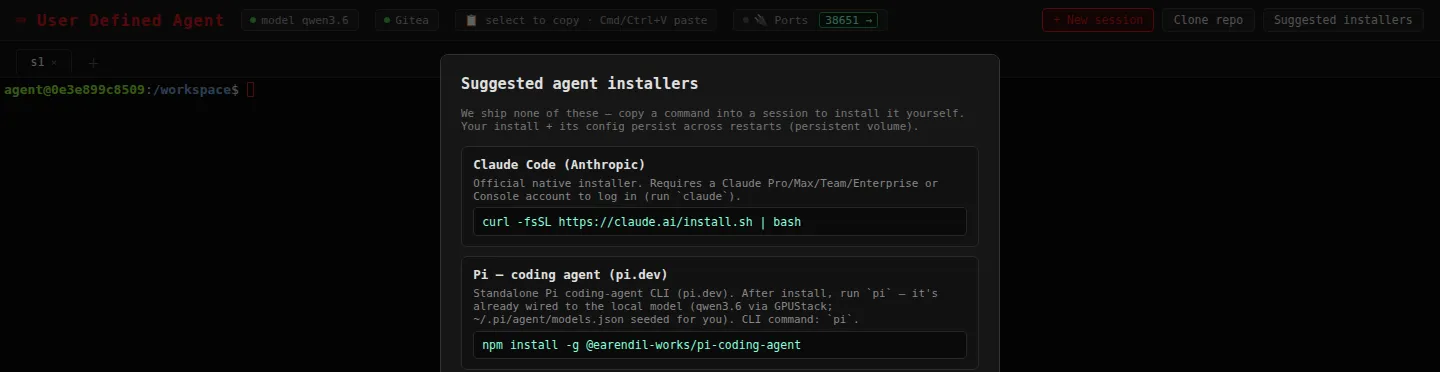
Alongside Codex and OpenCode, the coding agents workspace also bundles a "user-defined" variant: its own rzfz.ai-developed container with a terminal and a protected sandbox, where users install any coding agent of their choice — such as Gemini CLI or Claude Code — and run it centrally around the clock, instead of a preconfigured tool. New in 2026.07-ga. Currently included as an experimental module.
Gotenberg converts HTML, Markdown and Office documents to PDF via Chromium and LibreOffice, behind a REST API. In the stack it serves as the conversion backend for Paperless-ngx and is also usable from Dify workflows; it runs internal-only.
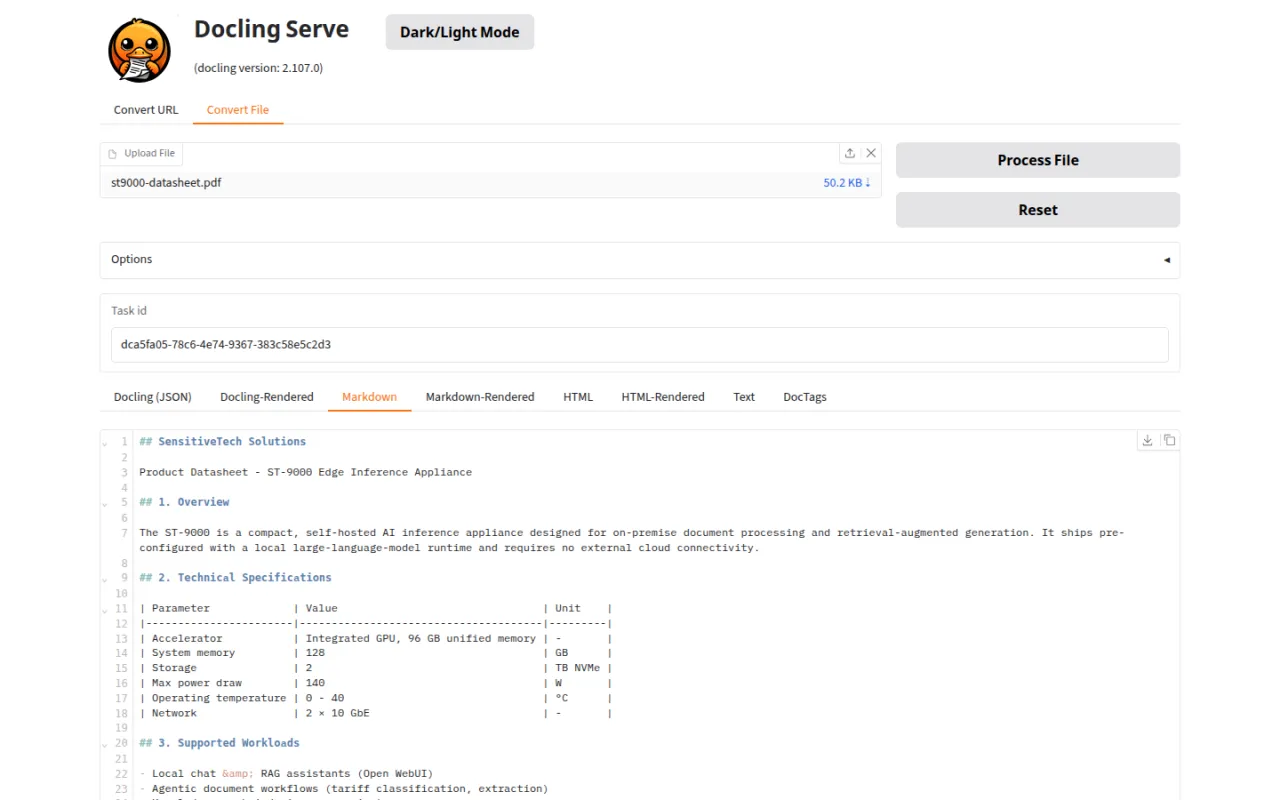
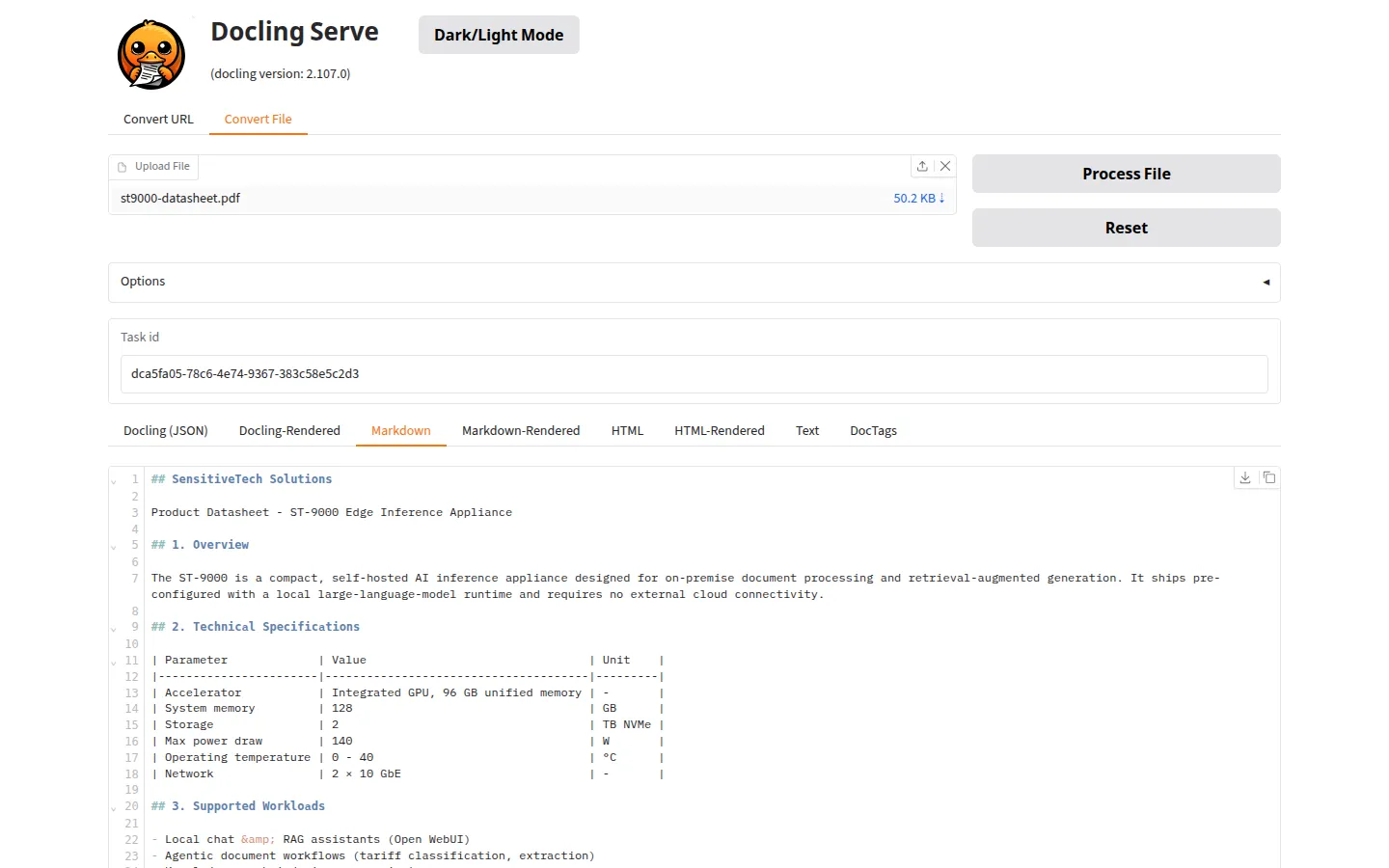
Docling simplifies document processing: it parses diverse formats — including advanced PDF understanding — and integrates seamlessly with the generative-AI ecosystem. It supports input formats including PDF, DOCX, PPTX, XLSX, HTML and image formats, and exports to Markdown, HTML or JSON. For agentic AI, it ships plug-and-play integrations with LangChain, LlamaIndex, CrewAI and Haystack, and runs as an API or MCP server. Currently included as an experimental module.
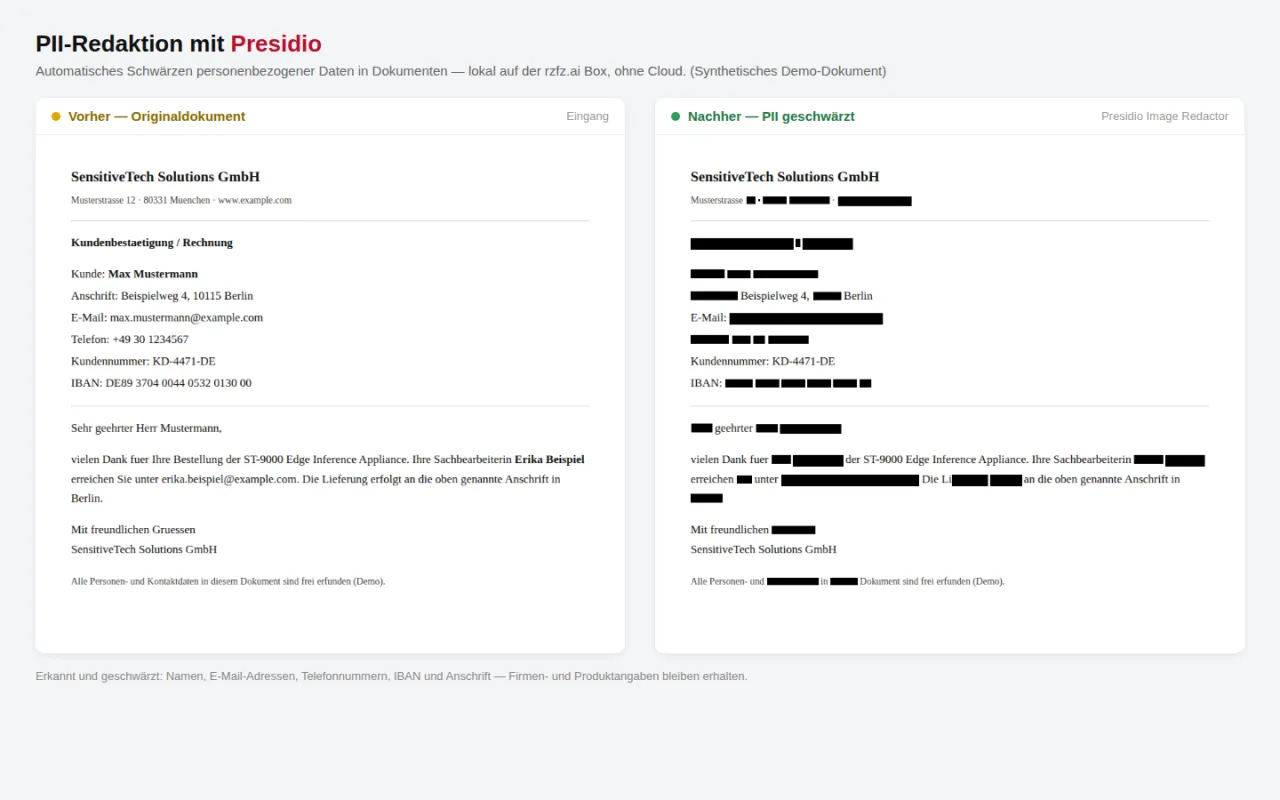
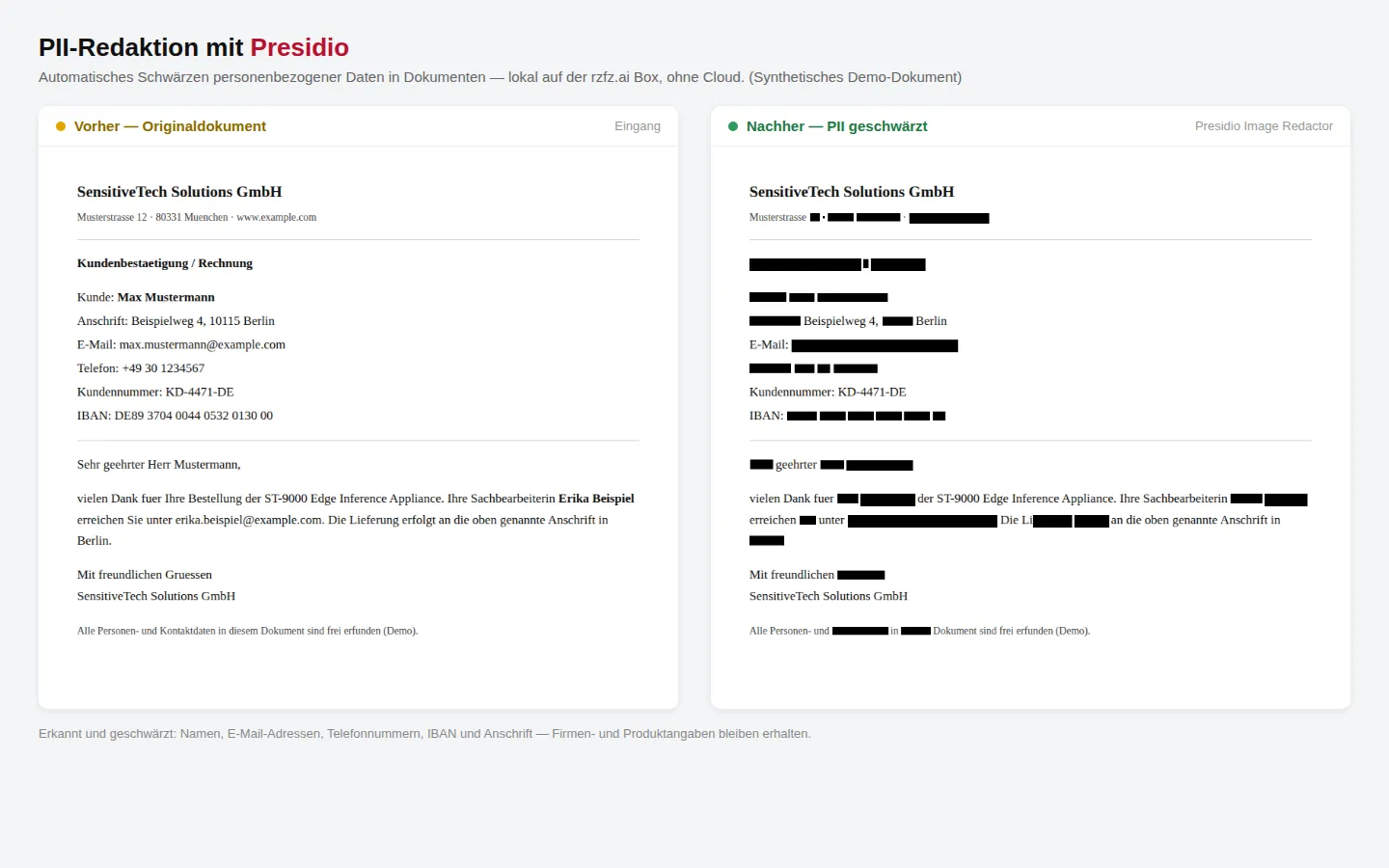
Presidio is a PII-detection toolkit originally started by Microsoft and since transferred to the Data Privacy Stack organization: the Analyzer, Anonymizer and Image Redactor detect and redact more than 30 categories of personal data in text and images. In the stack it runs internal-only as a preprocessing step before documents are passed on to other modules. Currently included as an experimental module.
Apache Tika extracts text, metadata and language from over a thousand file formats. In the stack it runs internal-only as the extraction backend for Paperless-ngx. Currently included as an experimental module.
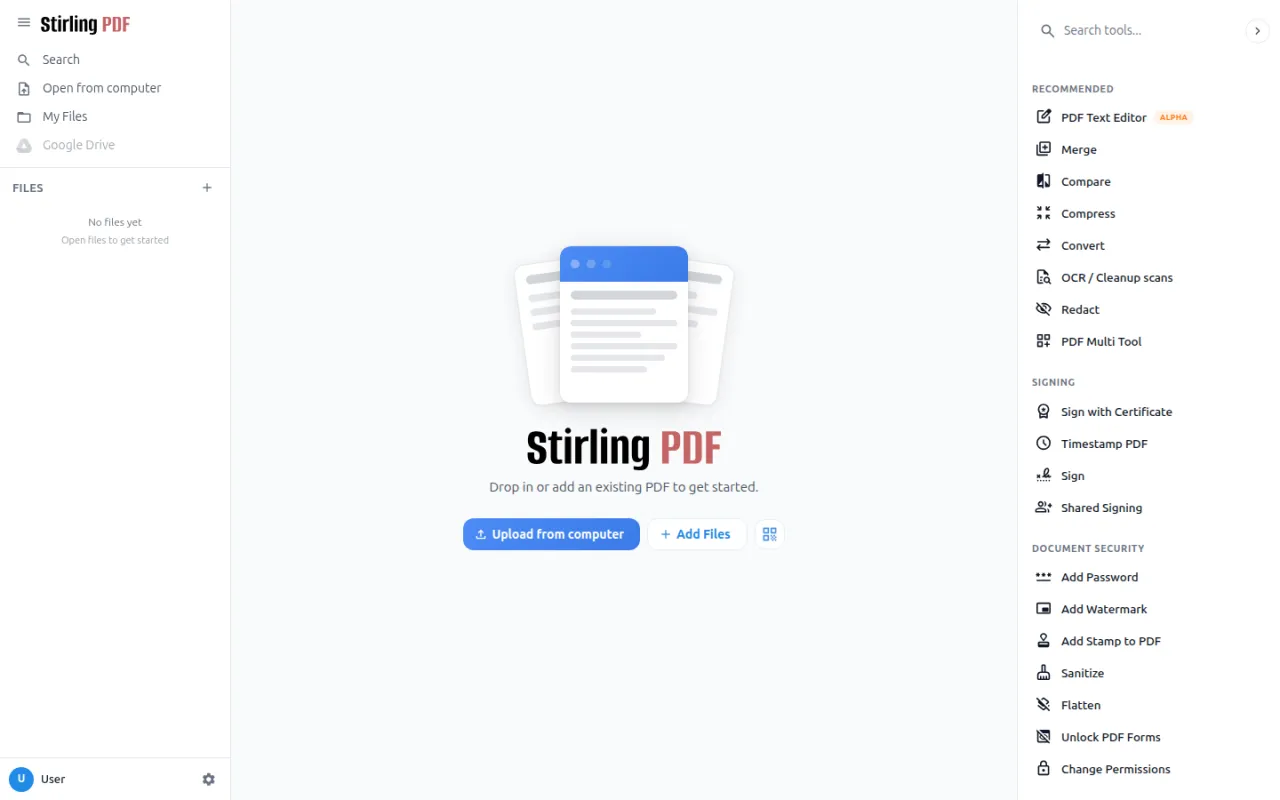
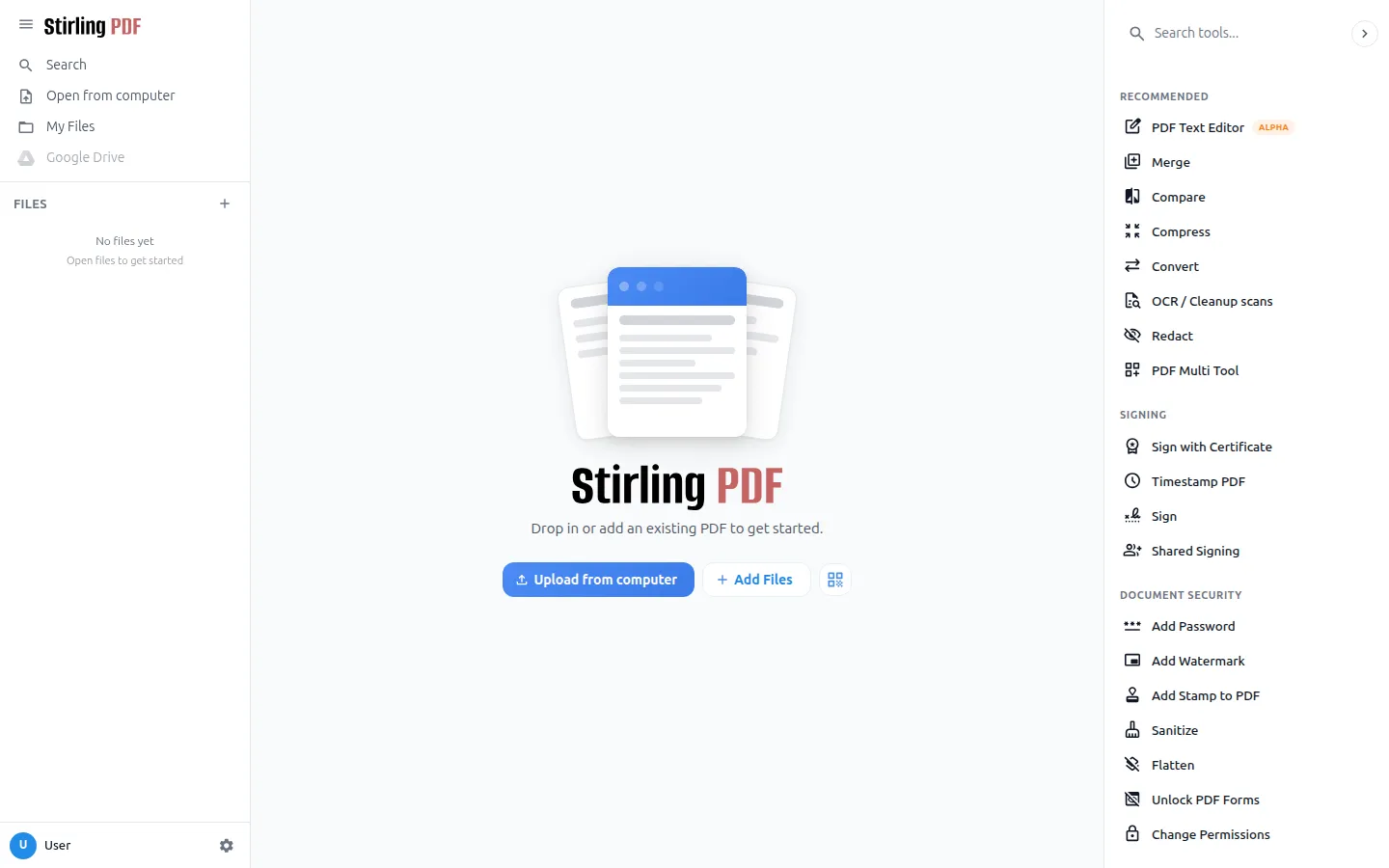
Stirling PDF is a powerful, open-source PDF editing platform that runs as a desktop app, in the browser, or on your own servers with a private API. It ships more than 50 PDF tools for editing, merging, splitting, signing, redacting, converting, OCR and compression, alongside enterprise features such as single sign-on and auditing. Currently included as an experimental module.
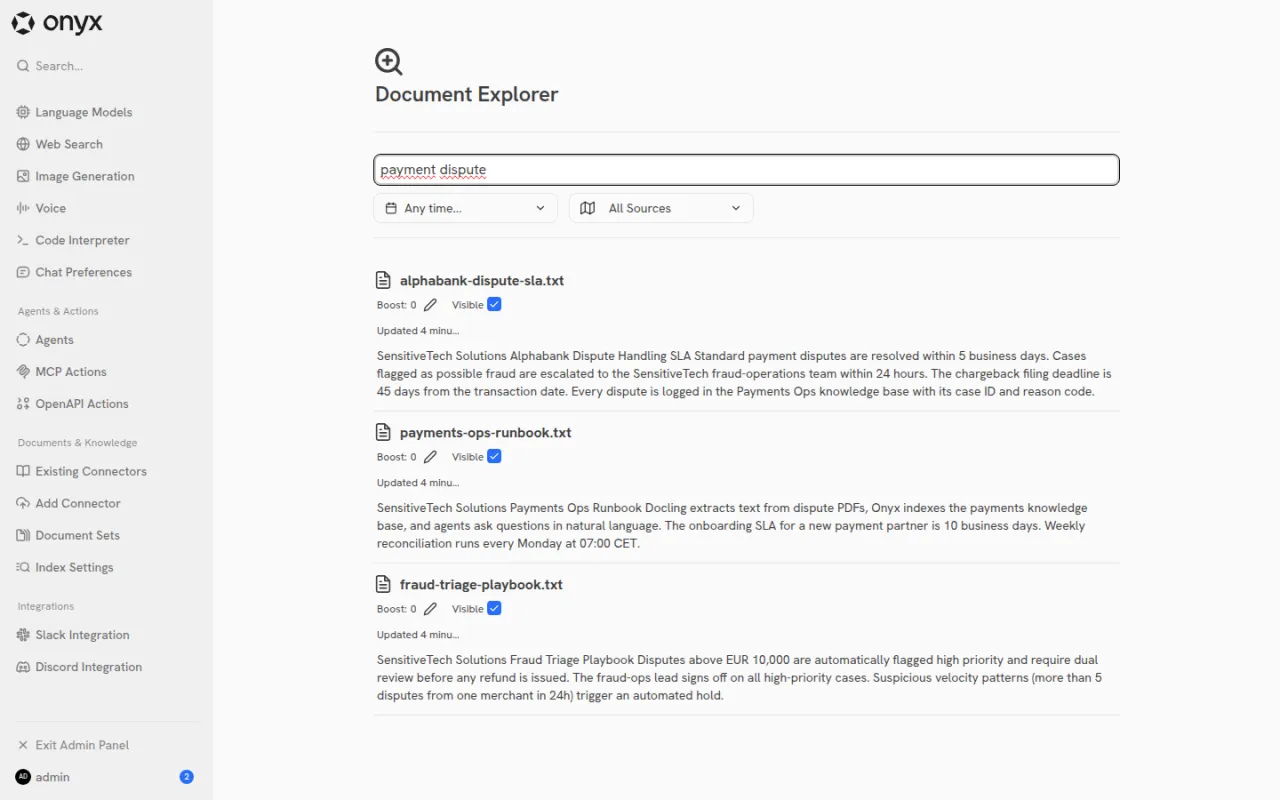
Crawl4AI is a web crawler built for LLMs that fetches page content via Chromium/Playwright and turns it into clean markdown or JSON. In the stack it distills web content for LightRAG, Cognee, Onyx and Dify to ingest — unlike SearXNG's plain URL discovery. Currently included as an experimental module.
Onyx is an enterprise search platform with semantic search and LLM answers across more than 40 connectors, running its own Vespa index and embedding-model servers. In the stack it can connect Gitea and Paperless-ngx as data sources and, at six containers, is the heaviest module in the stack. Currently included as an experimental module.
Paperless-ngx turns physical documents into a searchable online archive — so you can keep, well, less paper. It is the official successor to earlier Paperless versions and is developed in a community-driven way. Currently included as an experimental module.
Open WebUI is an extensible, feature-rich and user-friendly self-hosted AI platform that operates entirely offline. It supports LLM runners such as Ollama and OpenAI-compatible APIs and ships its own built-in RAG inference engine, plus granular access controls, real-time collaboration through channels, persistent memory, and voice and video capabilities — in the stack, rounded out by Speaches for voice input and output and SearXNG for web search.
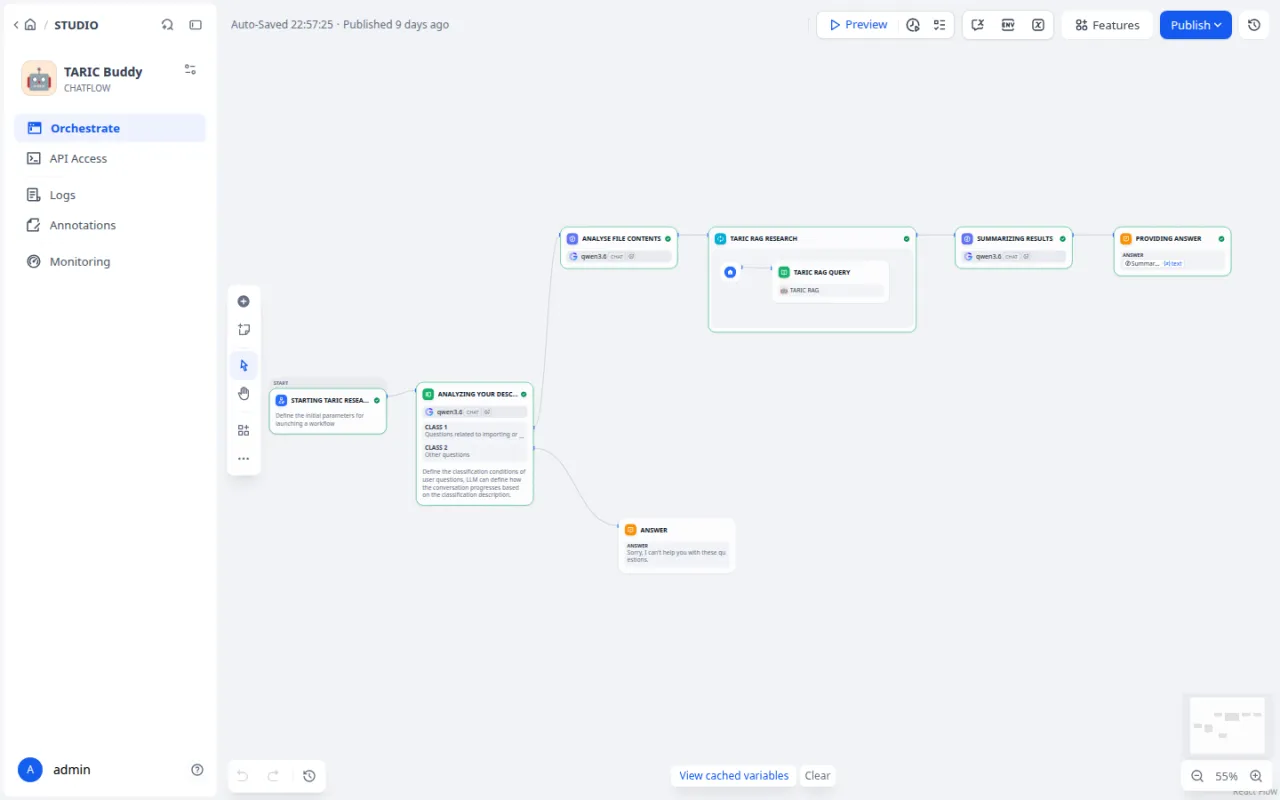
Dify is an open-source platform for building LLM applications that combines several capabilities in one interface: a visual workflow editor, a Prompt IDE, RAG pipelines for document ingestion, agent capabilities with more than 50 built-in tools, and LLMOps for monitoring production applications. It supports hundreds of proprietary and open-source LLMs; in the stack, the self-hosted community edition runs against the local LLM manager, which serves the models — on boxes with the legacy profile enabled, through GPUStack.
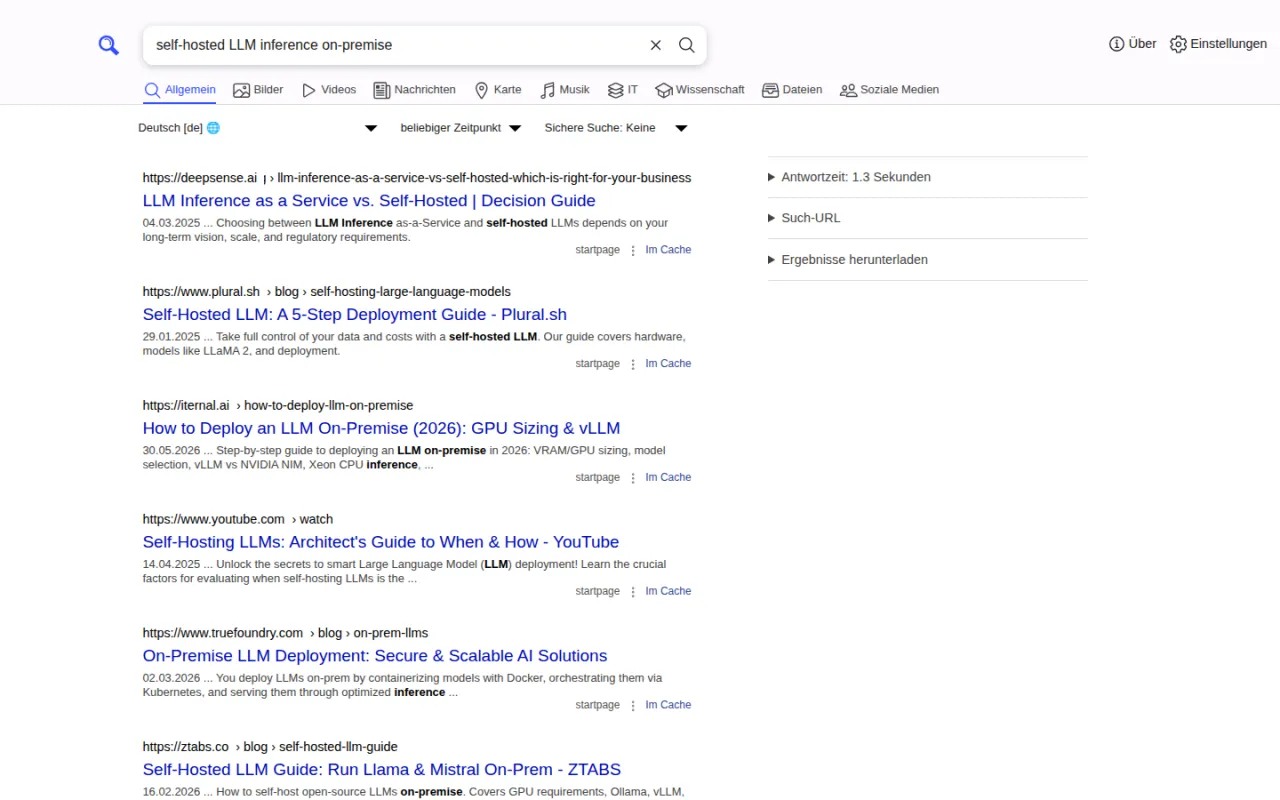
SearXNG is a meta search engine that aggregates results from multiple search services without tracking or profiling users. In the stack, it powers web research — for example in Open WebUI and in Dify. SearXNG is open source and licensed under the AGPL-3.0.
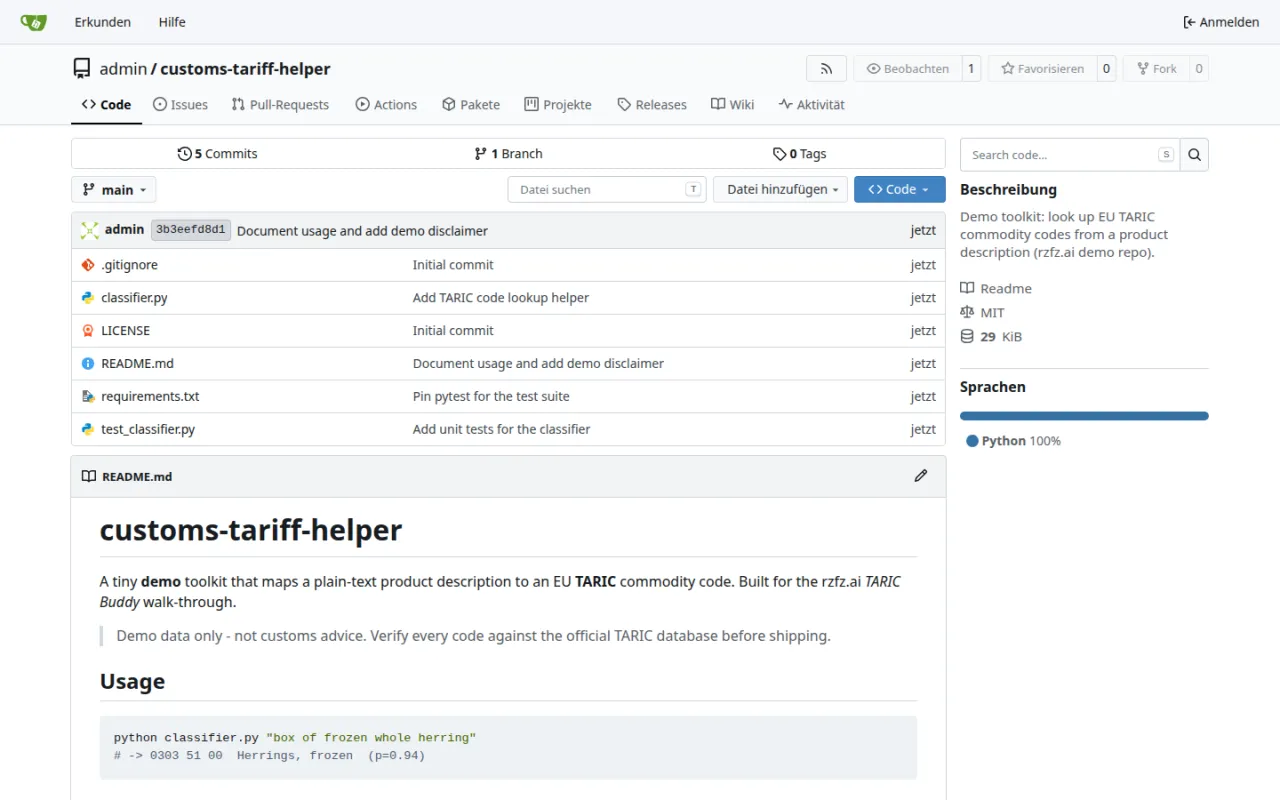
Gitea is a self-hosted software development platform written in Go, built for an uncomplicated all-in-one development service. It bundles Git hosting, code review, issue tracking, a kanban board, a wiki, team collaboration, a package registry and CI/CD via Gitea Actions, which can reuse GitHub Actions workflows. Because it is written in Go, Gitea runs across many platforms and architectures, from Linux and macOS to Windows, FreeBSD and OpenBSD.
Matrix is an open network and an open standard for secure, decentralised and interoperable real-time communication. Synapse, the server implementation used in the stack, is developed and maintained by Element as an open-source Matrix homeserver. Currently included as an experimental module.
Wazuh describes itself as a free and open-source platform for threat prevention, detection and response. In the stack it runs as three long-lived services — the manager, an OpenSearch-derived indexer and the web console — plus several one-shot jobs that generate the module's own TLS PKI and every credential it uses; no upstream default credential survives installation. A per-box agent reports journald, an operator-approved allow-list of container logs, and file-integrity events; agent enrolment is password-gated and every manager listener is fenced to a network range. All state lives in its own indexer, never in the stack's shared database. The shipped distribution is not one licence: the manager is GPL-2.0, while the indexer and console are OpenSearch derivatives under Apache-2.0. The module is opt-in, in no preset, and experimental.
OpenUEM calls itself an open-source unified endpoint manager that lets you manage IT assets through its agents and a clean web interface. In the stack the module brings its own certificate authority and a NATS JetStream broker the agents talk over; inventory data lives in a database of its own on the shared PostgreSQL instance, and the console sits behind the box's usual single sign-on. LAN exposure of the broker is deliberately behind a setting and limited to the box itself by default. Typical uses are managing an organisation's device fleet and keeping an audit-ready software inventory without a cloud UEM. The module is opt-in and experimental.
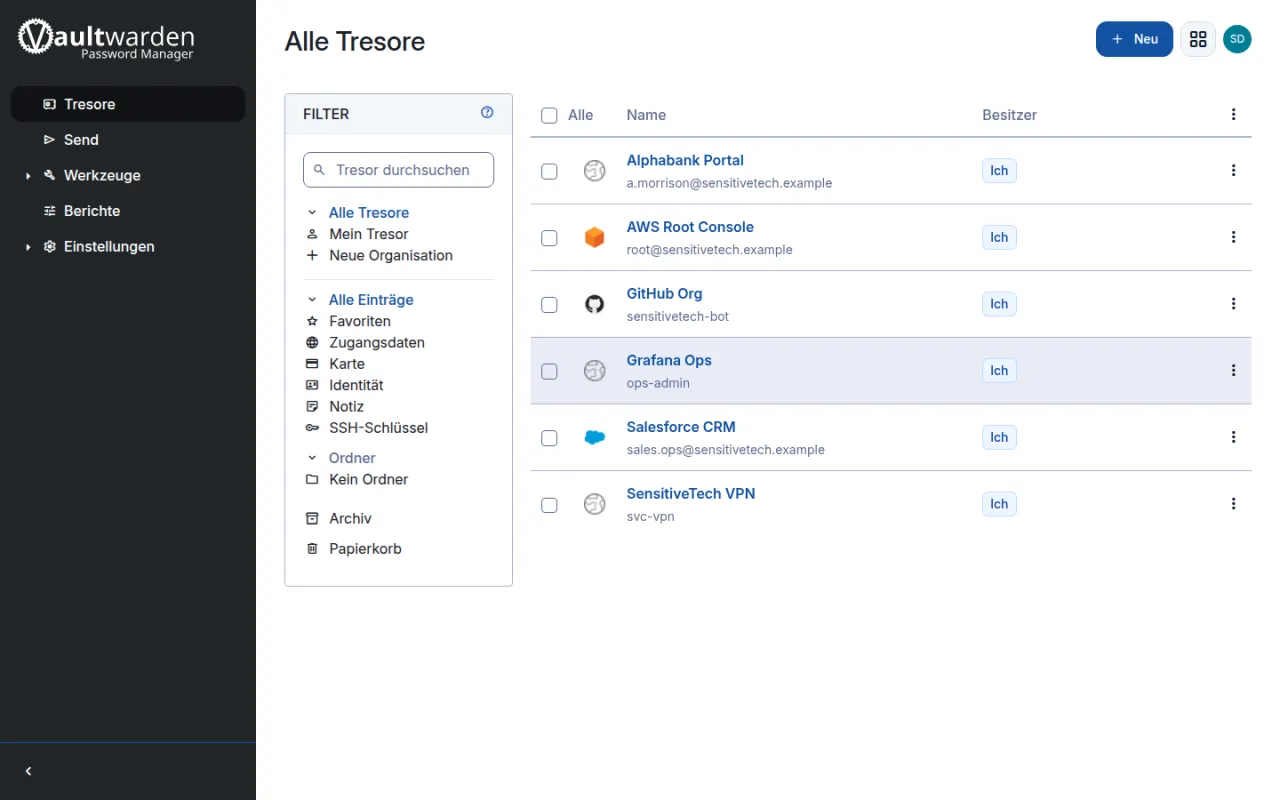
Vaultwarden is an alternative server implementation of the Bitwarden Client API, written in Rust and compatible with the official Bitwarden clients, built for self-hosted deployments. It supports nearly all major Bitwarden features, including personal vaults, organizations, two-factor authentication and administrative tools. The project is community-maintained and not officially affiliated with Bitwarden, Inc. Currently included as an experimental module.
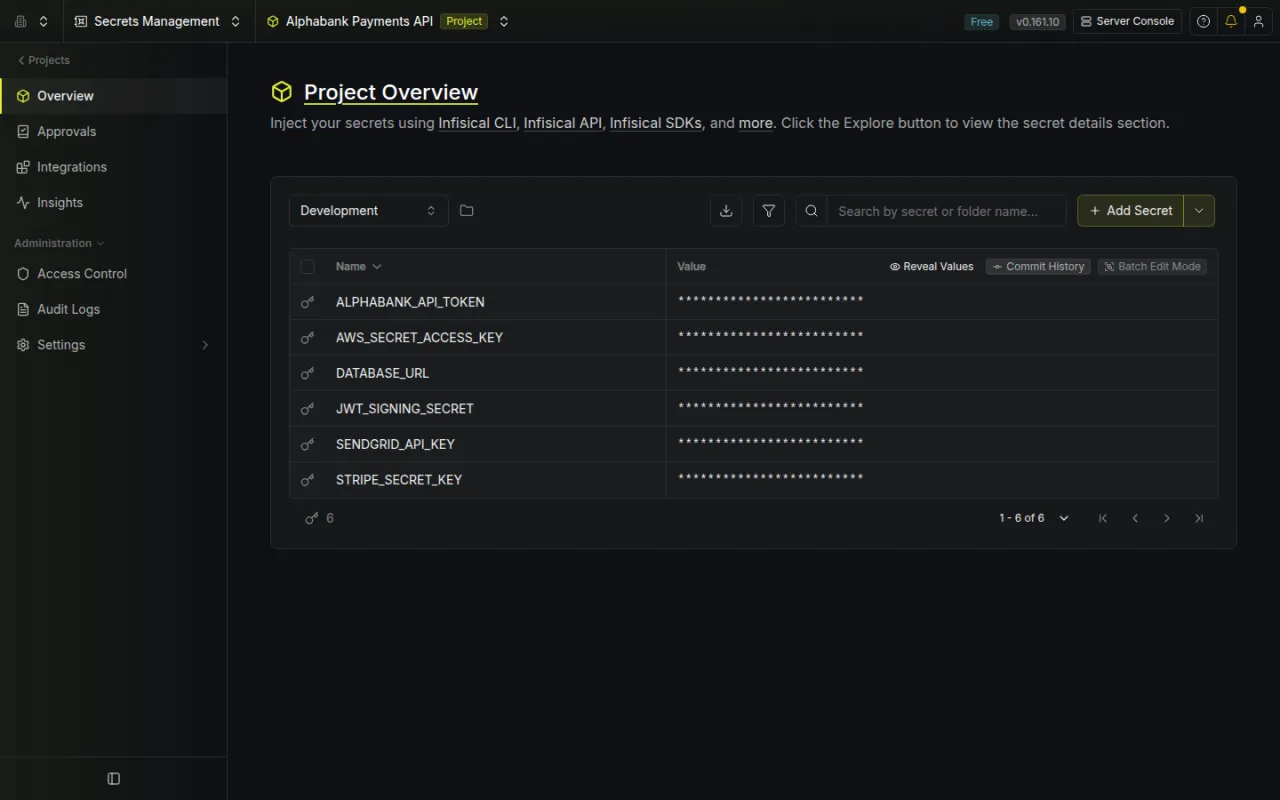
Infisical is a developer-focused secrets management service with project/environment scoping, via CLI and REST API. In the stack, AI coding agents such as OpenHands use it to pull credentials at runtime, secured behind Authentik SSO. Currently included as an experimental module.
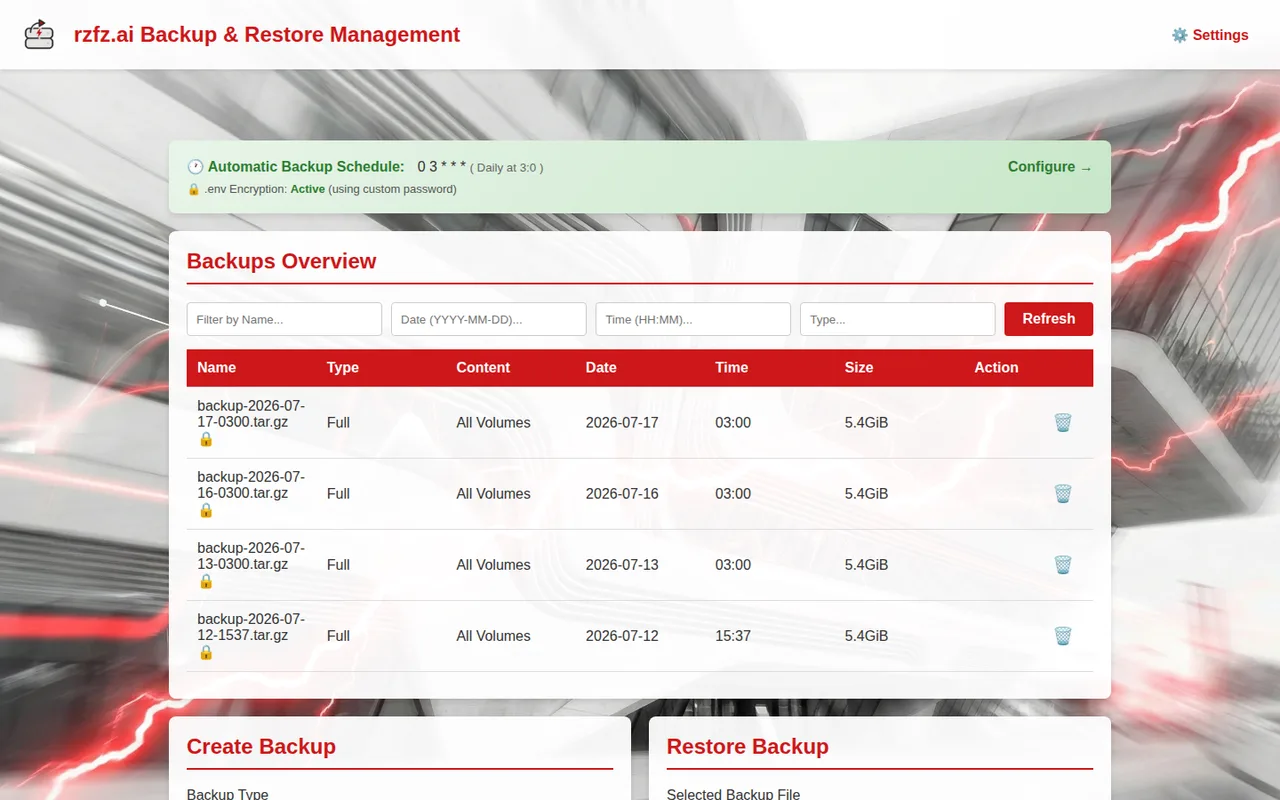
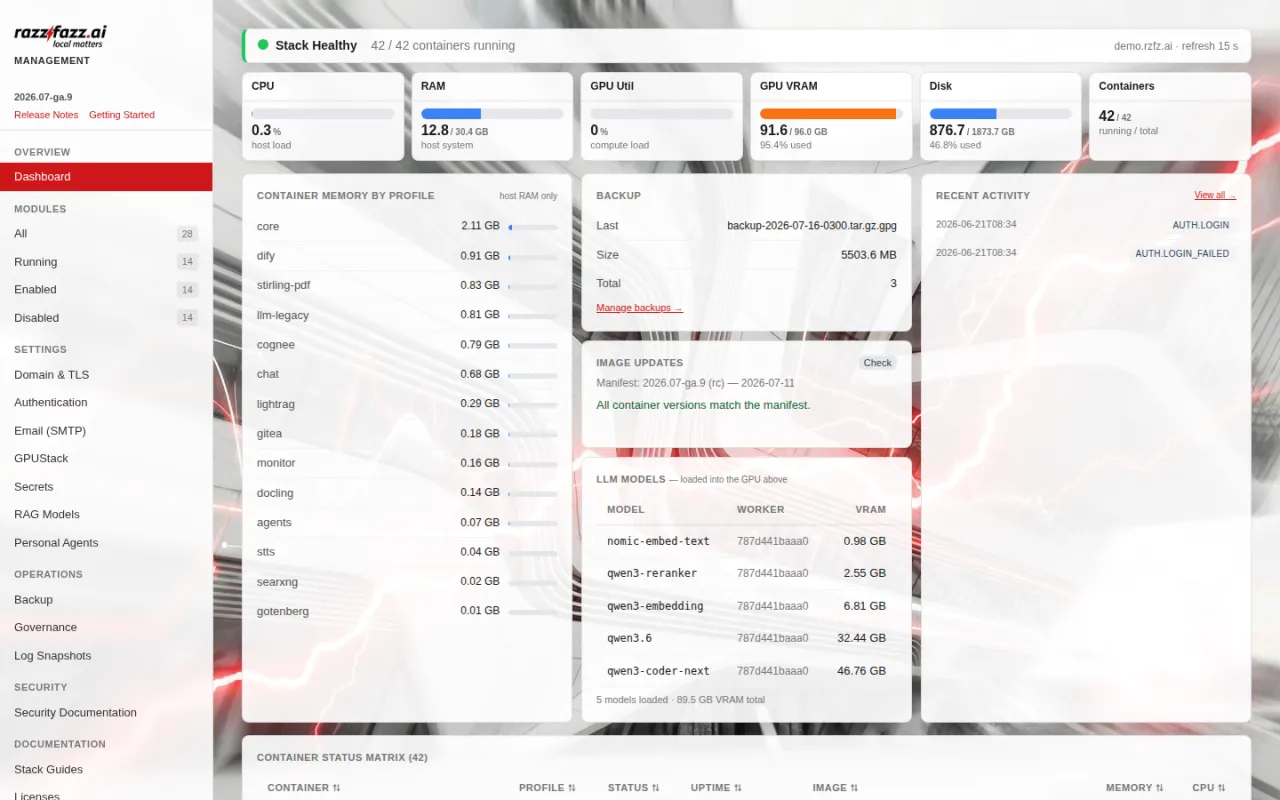
The backup service is built into a container by rzfz.ai, but the underlying tool — docker-volume-backup — comes from Offen. It runs nightly, automated, GPG-encrypted backups of every database and volume in the stack, takes a database dump ahead of the volume snapshot, and retains backups for a configurable retention period.
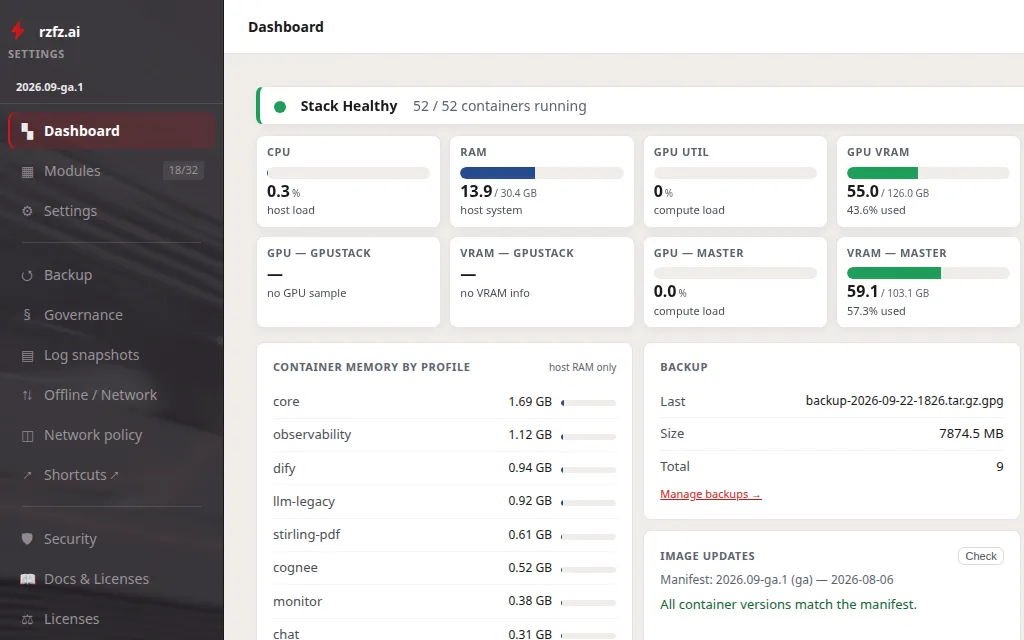
The settings portal is the box's control room for everything that would otherwise need a command line. Modules can be switched on and off one by one, settings and secrets maintained per module, your own TLS certificates uploaded, backups triggered and restored, log snapshots taken, and a factory reset run when it comes to that. It writes changes straight into the Docker Compose configuration and applies them, rather than merely recording them. Access sits behind the box's single sign-on and is restricted to the admin group. The portal was redesigned in 2026.09; it succeeds the former config portal and brings the help centre and the licence overview into the same interface.
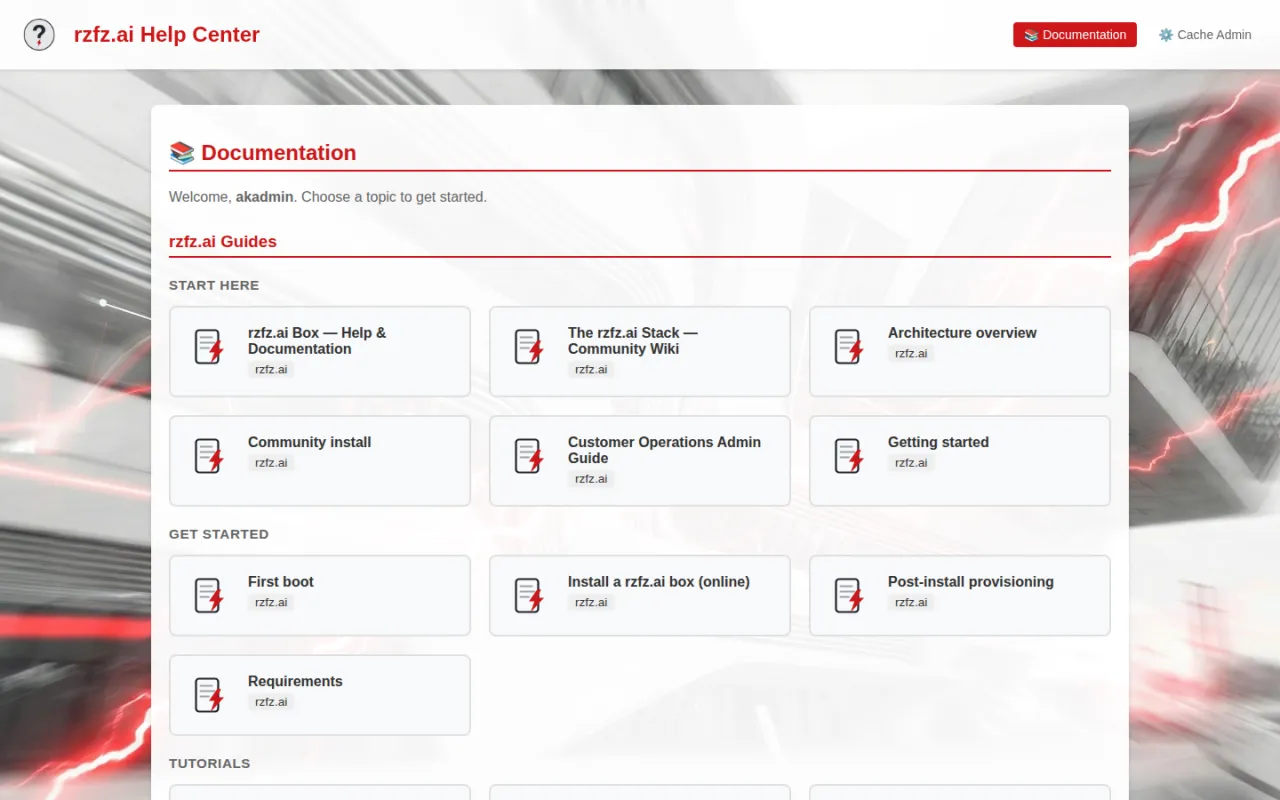
The help center is an rzfz.ai-developed, locally hosted documentation hub for the stack. It renders the bundled guides and reference pages so support content stays available even without an internet connection.
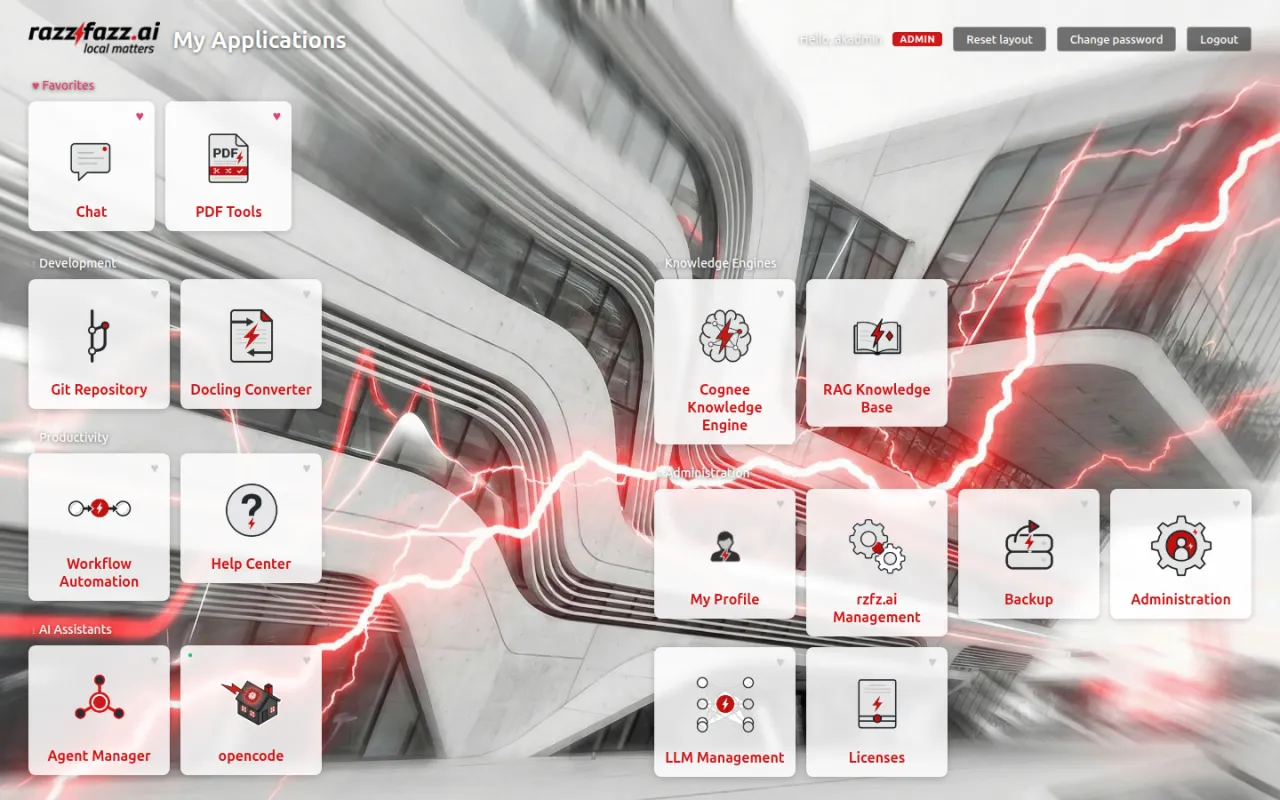
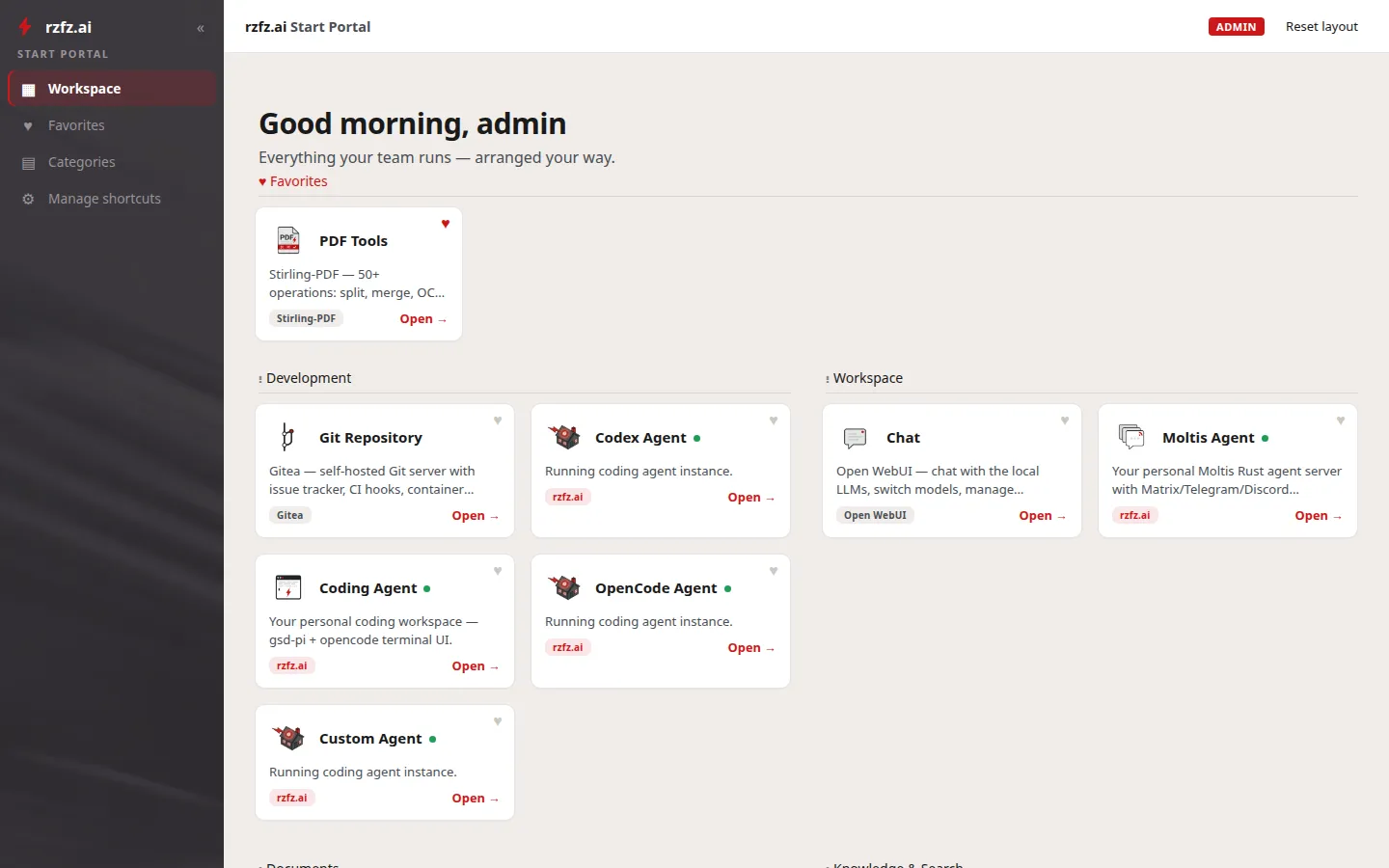
The start portal is an rzfz.ai-developed landing page shown after login: it reads the enabled modules from the Compose configuration and links directly to every unlocked application.
Autoheal watches every container's Docker health checks and restarts unhealthy ones automatically. In the stack it's opted in specifically for the GPUStack family and the Presidio analyzer, whose worker processes occasionally wedge.
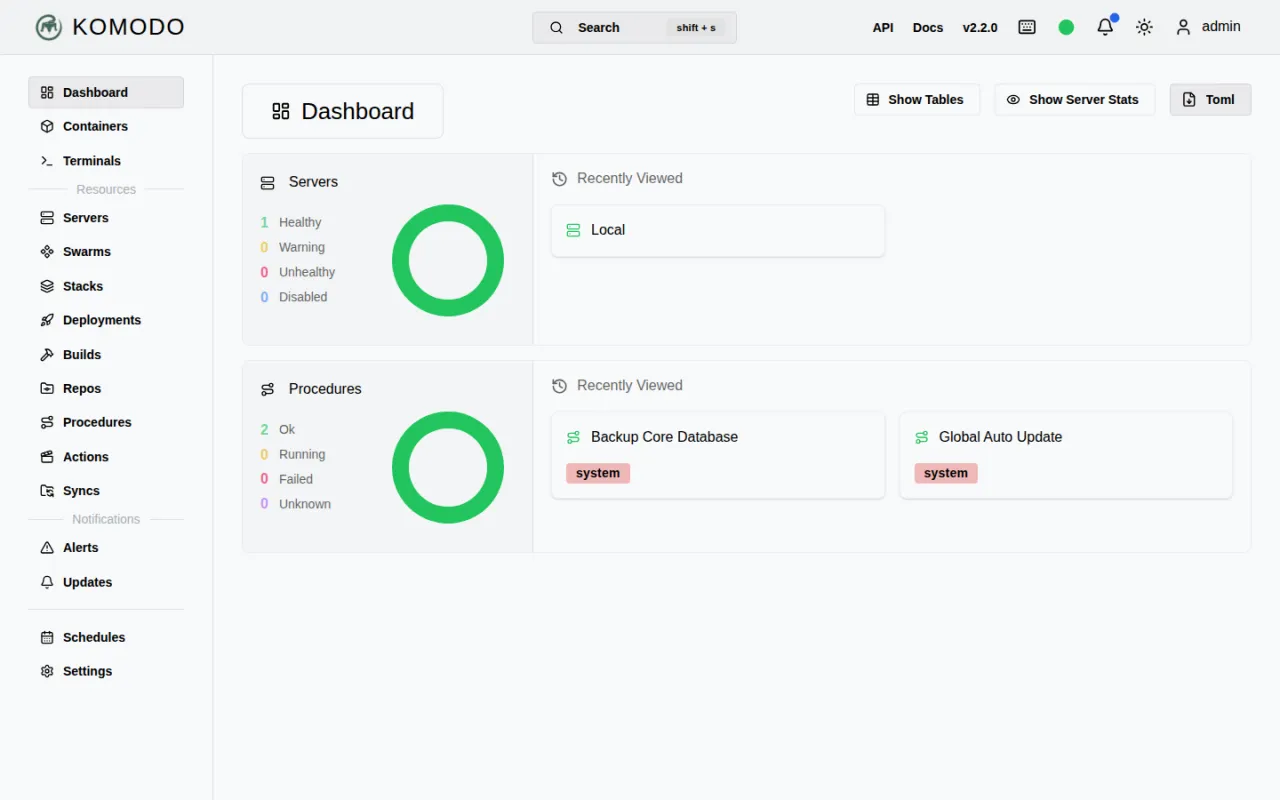
Komodo is a dashboard for container health, logs and restart controls. In the stack it monitors every Docker Compose stack, backed by its own database separate from the main system.
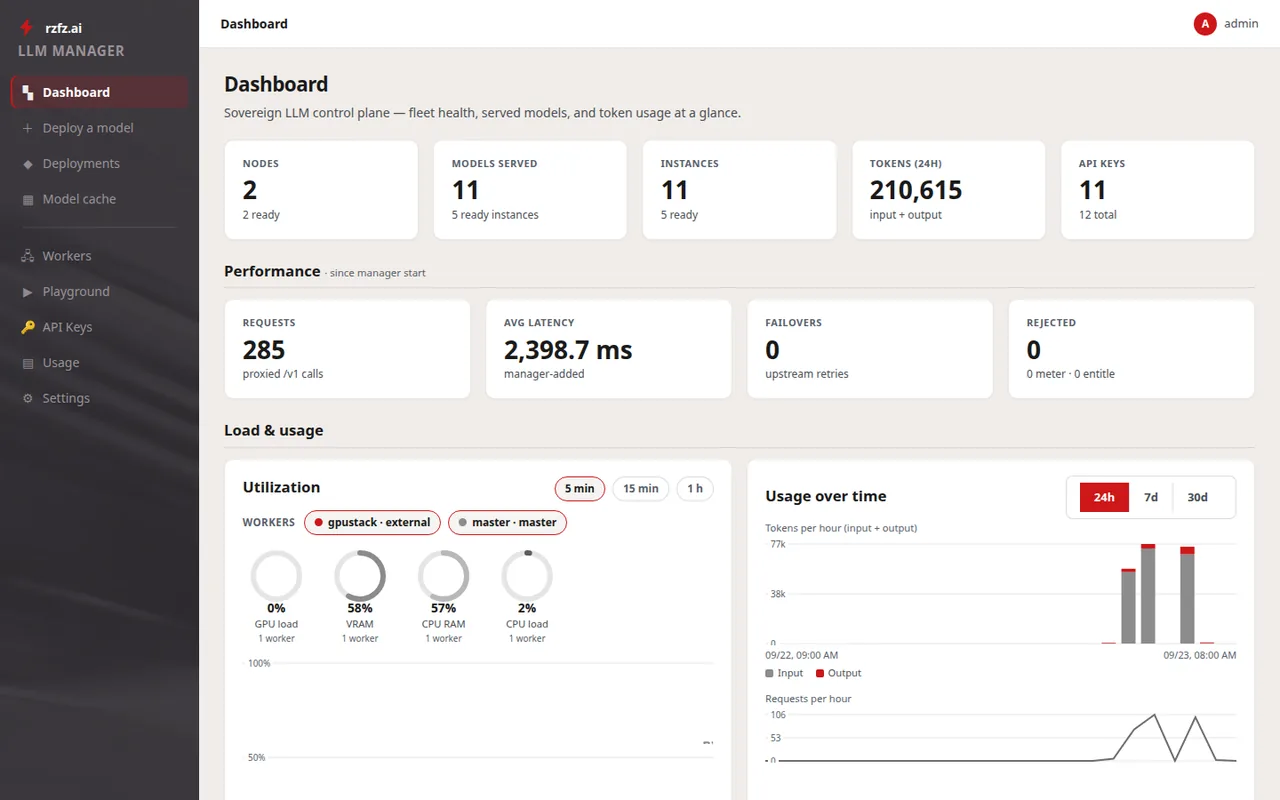
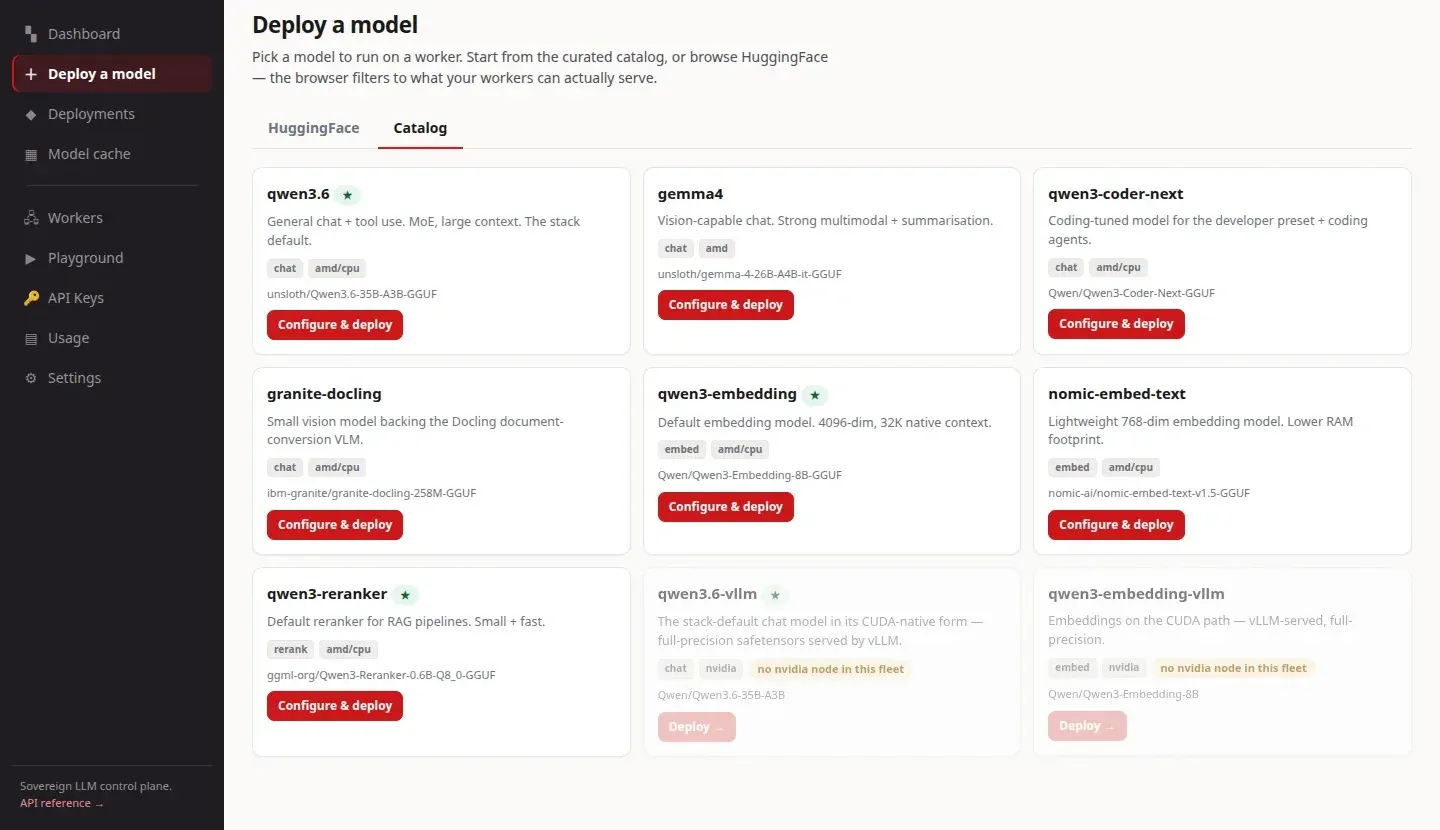
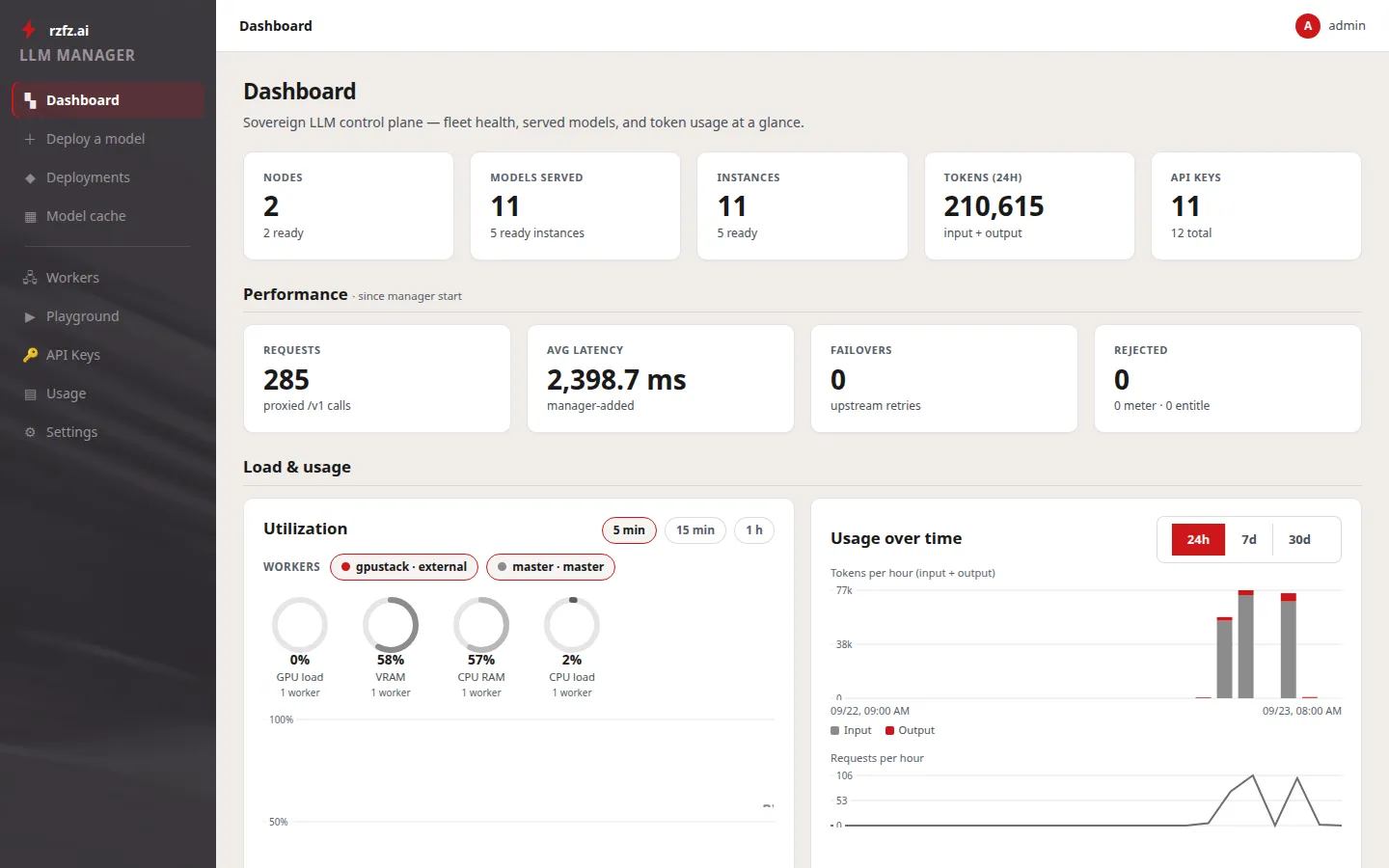
The LLM manager runs a fleet: the box it runs on, and optionally further workers — machines that serve models under that box's control. Models are deployed from a curated catalog or straight from a Hugging Face search onto whichever worker fits; before a deploy starts, admission control checks the target's real memory headroom, so a deploy that cannot fit is refused up front instead of failing minutes later. Applications call a single OpenAI-compatible endpoint with an API key, and the manager routes each request to the engine serving that model, wherever in the fleet it runs. Every request is metered in tokens (input, output, cached) per API key and cost center; there is deliberately no currency in the product. The console is also where new workers are enrolled with a one-line join command and approved, drained for maintenance, and given per-node engine-runtime upgrades — with rollback. The bundled router is a LiteLLM instance (MIT).
A machine joins the fleet with a one-line command carrying the master's address, a one-time enrollment token and the master's certificate fingerprint — the new worker cryptographically verifies it is talking to the right master before it sends anything. From then on the worker agent holds the connection: heartbeats and metrics to the manager, commands (load and unload engines) back. It pulls model weights and runtime images from the box's own registry by digest only — a foreign or mistyped image reference is refused with the reason shown. Each worker authenticates with its own key, which can be rotated at any time. An inference-only node is exactly two containers — worker agent and socket proxy — has no portals of its own, and is managed entirely from the master. The worker agent has no web interface.
Zot describes itself as a scale-out, production-ready, vendor-neutral OCI-native container image and artifact registry built purely on the OCI Distribution Specification; the project has been a CNCF sandbox project since December 2022 and is licensed Apache-2.0. In the stack it is the box's own registry: it holds model weights (GGUF, safetensors, projection weights) under a models/ prefix and engine runtime images under a runners/ prefix. Workers on the box's own network pull without credentials, remote workers authenticate; every pull is verified against its digest, so a corrupted or tampered file is refused rather than served. That is what makes fleets on isolated networks work: a worker with no internet access pulls everything from the master. Its own web interface is not carried as a module tile here — stored artifacts are browsed from the LLM console's registry view.
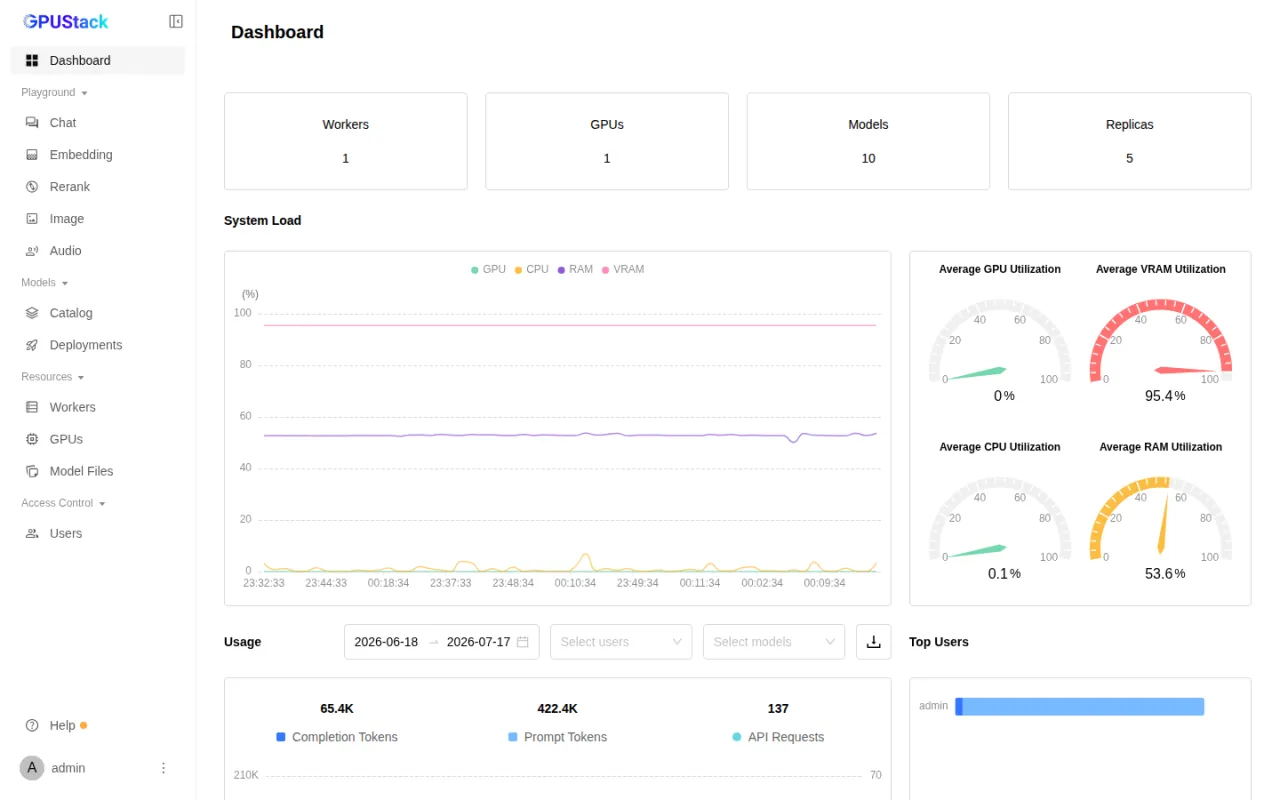
GPUStack is an open-source GPU cluster manager for AI model serving and GPU instance provisioning. It orchestrates inference engines such as vLLM, SGLang and TensorRT-LLM across on-premises servers, Kubernetes and cloud environments, and covers a broad hardware ecosystem spanning NVIDIA and AMD GPUs to Ascend, Hygon and other accelerators. Its core capabilities include automated engine configuration, "day-0" support for newly released models, and monitoring and access controls. In the rzfz.ai stack, inference runs on a llama.cpp backend via Vulkan (GGUF models). Since 2026.09 GPUStack is the optional legacy backend there: it sits behind the LLM manager, which points at it as an external backend, and it stays in place for boxes that have it enabled — applications notice nothing, because they only ever address the LLM manager endpoint.
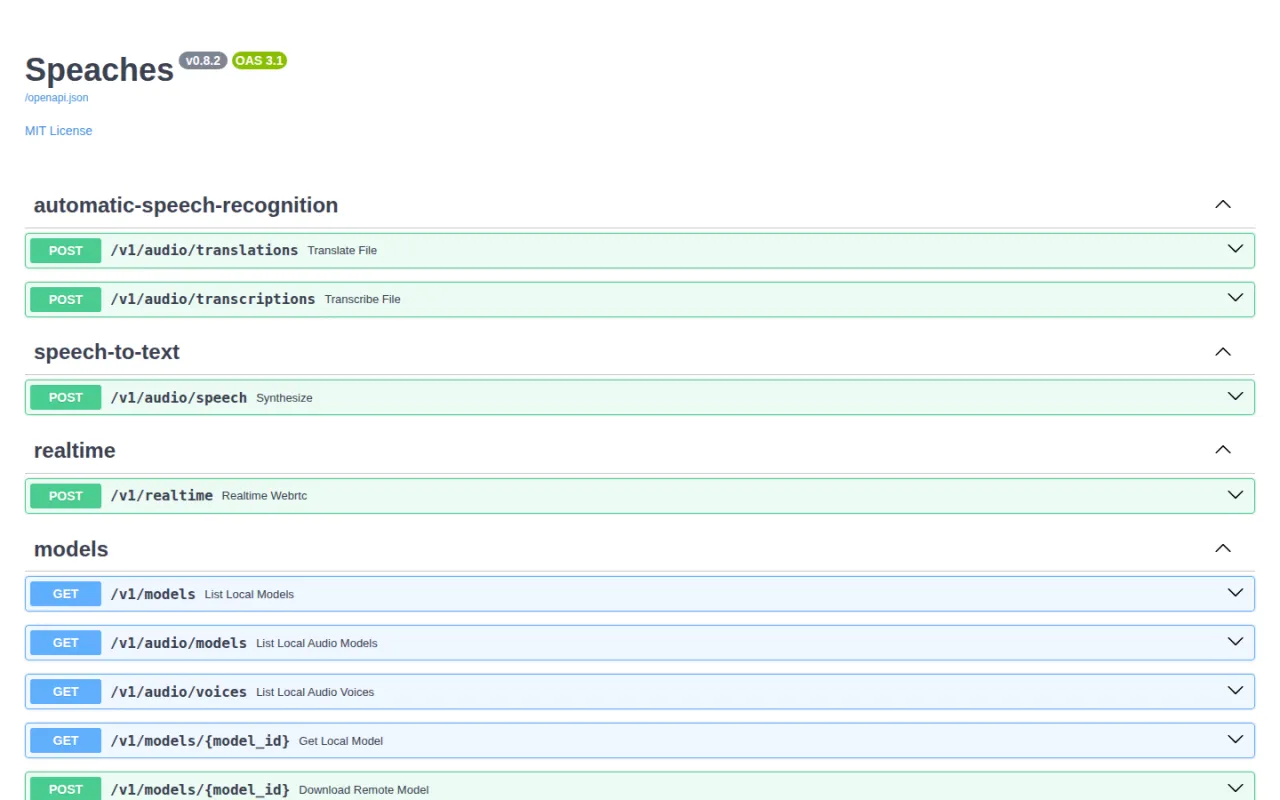
Speaches is a speech-to-text and text-to-speech service that transcribes and synthesizes audio locally behind an OpenAI-compatible API. In the stack it powers voice input and output for Open WebUI and runs internal-only.
Cognee builds a knowledge graph from documents and data sources and answers questions via GraphRAG — more precise than plain vector search. In the stack it serves as the central company brain that chat, workflows and agents access through the MCP registry. Currently included as an experimental module.
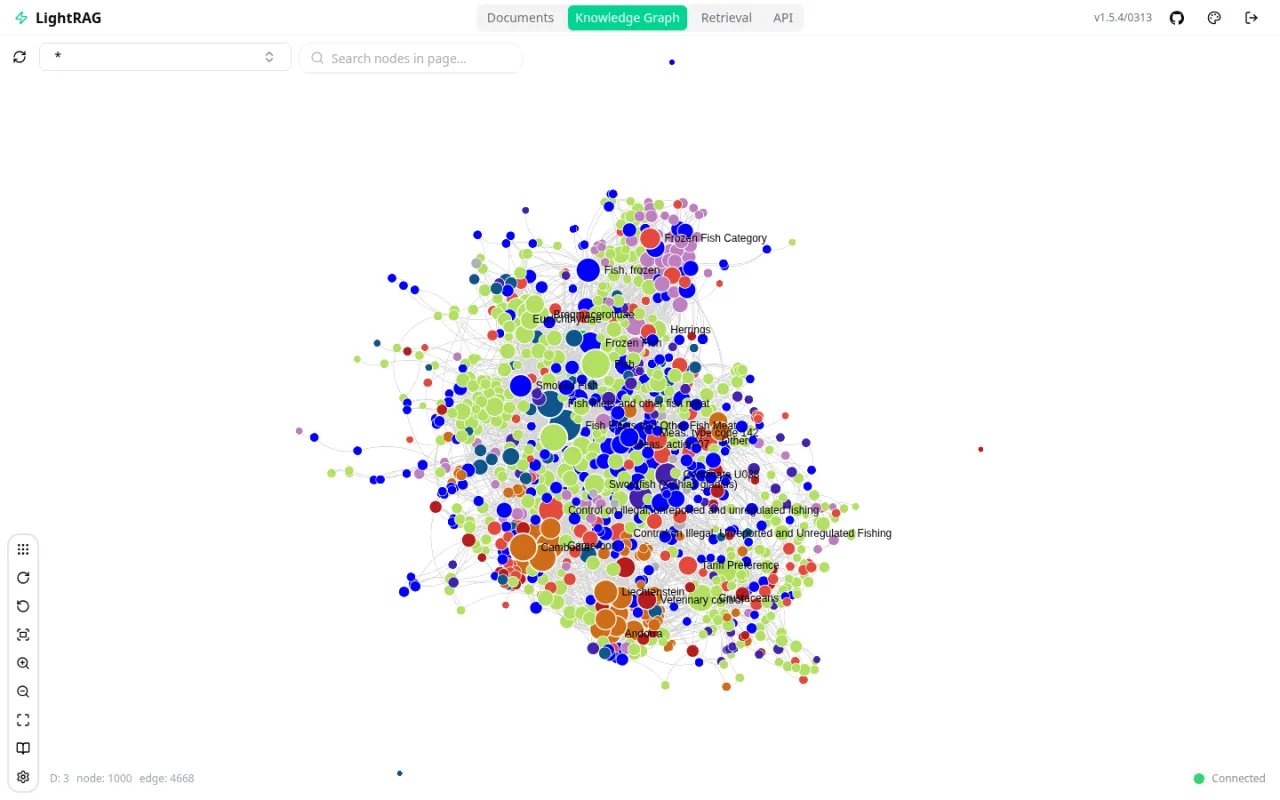
LightRAG is a dual-level GraphRAG framework that links entities and relationships for more precise retrieval answers. In the stack it uses the LLM manager for embeddings and graph construction, serving as a lightweight alternative to Cognee for smaller knowledge bases. Currently included as an experimental module.
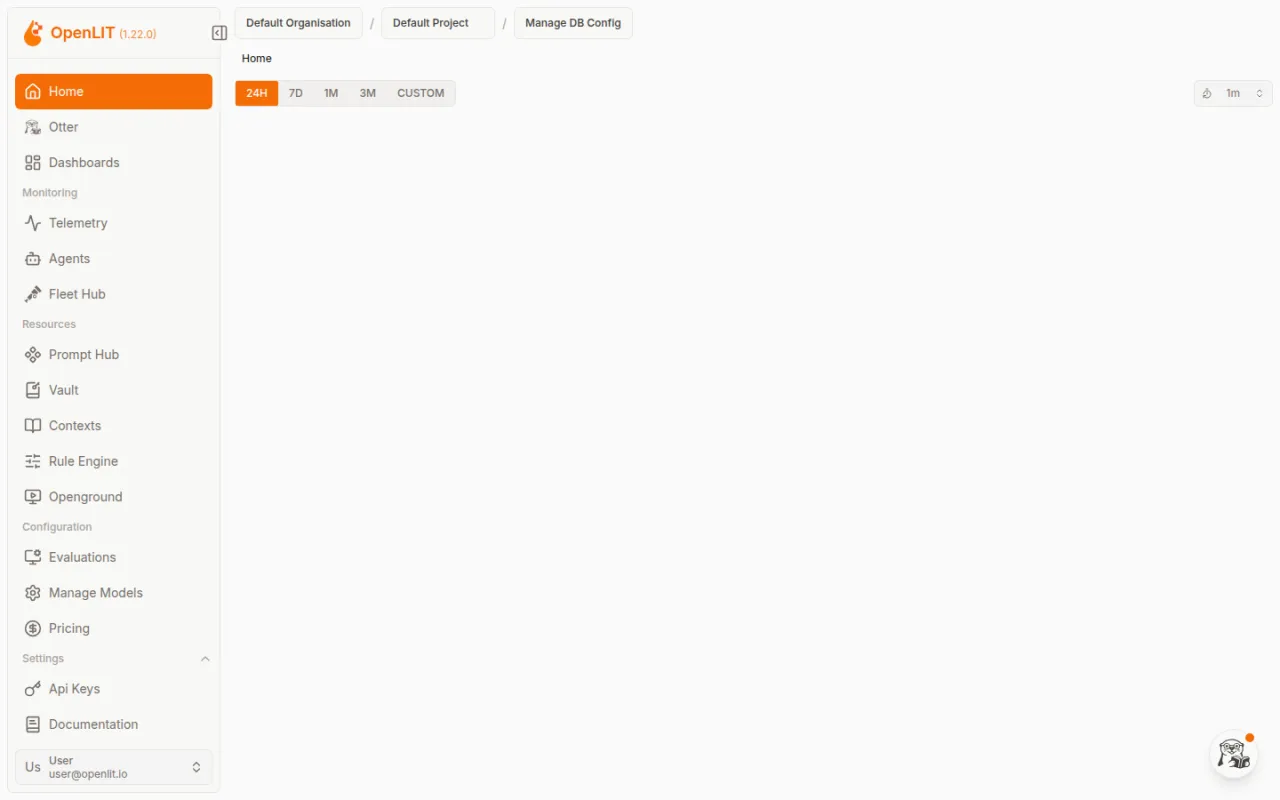
Observability (OpenLIT + ClickHouse) measures cost, latency, token usage and prompts for every LLM call that flows through the chat pipeline. In the stack, access is restricted to a dedicated Authentik group, and a PII filter redacts prompt and completion text by default. Currently included as an experimental module.
Caddy is the stack's reverse proxy and its single external entry point: all requests pass through ports 80/443, with TLS certificates managed automatically. A rate-limit plugin protects the login endpoints.
PostgreSQL with the pgvector extension is the stack's relational database — one instance with a separate database per module. It stores the data for Open WebUI, Dify, Authentik, GPUStack and other modules, and doubles as the vector store for RAG.
Authentik is the stack's identity provider: single sign-on, role-based access control and multi-factor authentication. It sits as a forward-auth gate behind Caddy in front of every module and decides, by group membership, who may reach which application.
Valkey is a Redis-compatible in-memory data structure store for caching and message queues. In the stack, several modules share one instance, each isolated on its own database index.
The SMTP relay is a Postfix mail server for outbound system messages. It runs internal-only and delivers notifications and password resets for modules like Authentik and Dify, either via an external provider or direct MX delivery.
The Docker socket proxy is a filtered access point to the Docker API. Modules that need to manage containers — such as the config portal, backup service, agent manager or Authentik — talk to Docker exclusively through this proxy, never through the unprotected host socket.
developed by razzfazz.ai GmbH
Experimental — new to the stack and not yet long in field use: working, but possibly still buggy
One stack. Many shapes.
Space pauses, arrow keys jump between scenes — once the player has focus.
Film transcript
Cold open
One stack. Many shapes. rzfz.ai: local AI on the hardware you choose
One box: redaction
Everything on one box. Docling reads, Presidio and the local LLM find personal data. Nothing leaves the house.
Knowledge chat
Chat with your own knowledge. Vector search plus a knowledge graph built by the local LLM. All models run locally.
Team grows
More people? Add boxes. Rule of thumb for chat: one box per 4–15 people. New boxes register themselves.
Hundreds of support e-mails a day? A local workflow sorts each one: incident, request or noise.
Master on a VM
Put the master on a VM. More CPU cores and RAM for Dify, Open WebUI, Docling, Cognee and the database. The boxes do the inference.
Cloud: capacity or master
Peak load? Add EU cloud GPUs. The LLM Manager on your VM balances the load across boxes and cloud GPUs (S, M or L = 1, 2 or 4).
Or run the master in the cloud. The cloud instance takes over the control plane and orchestrates your boxes as workers.
Developers
Add NVIDIA power. Your own RTX PRO 6000 server or a GB10 joins as a worker.
Developers connect their IDE. Any OpenAI-compatible client talks to llm.<domain>/v1 with its own rzfz-sk key.
Coding agent 24×7
A coding agent that works 24×7. Agent Manager on the master: harness, local model and your Gitea. It writes tests and opens pull requests.
Your own Mac
Already have a Mac Studio? Plug it in. Your hardware: supported, not sold by us. The LLM Manager serves its Ollama models.
One fleet
Ours, yours, or both. One fleet. Every app talks to one door. The LLM Manager decides where each request runs.
Everything inside the red line runs in your own IT. Only the optional EU cloud runs outside.
Outro
Local. Open source. Independent. Secure. Local AI on the hardware you choose.
LLM Manager — one console for every language model on your box
The LLM Manager is the control plane for your box's language models. In one place it answers
which model runs where, who may call it and what it consumes — and it gives applications a
single OpenAI-compatible endpoint. Since 2026.09 it is every box's front end for inference;
whatever actually serves the models sits behind it.
One console for your models
Deploy models from a curated catalog or straight from a Hugging Face search — onto
whichever worker fits. Before a deploy starts, admission control checks the target's real
memory headroom: what cannot fit is refused up front instead of failing minutes later.
A fleet, not a box
Further machines join with a one-line command carrying your master's certificate
fingerprint — the new worker cryptographically verifies who it is talking to before it
sends anything. Draining for maintenance, per-node engine-runtime upgrades with rollback,
and key rotation: all from the console.
Sovereign by design
Your box carries its own registry. Model weights and engine runtimes reach the workers
from there, verified against their digest in transit — a corrupted or tampered file is
refused rather than served. A worker with no internet access of its own pulls everything
from the master.
Accountable
Every request is metered in tokens — input, output, cached — per API key and cost center.
There is deliberately no currency in the product: you see the consumption, your rates stay
in your accounting.
Catalog & Hugging Face
Agent architecture — per user, sandboxed, all local
The Agent-Manager gives every user their own sandboxed agent — reachable from any local chat
surface, with no cloud involved.
Local on your box · no cloud
Access — native, everywhere local
Open WebUI
Web terminal(OpenCode)
Matrix
Hermes · Moltispersonal agents
Agent-Managerprovisions · per user · sandboxed
Per user: sandboxed agent instances
Sandbox
Agent · User A
Sandbox
Agent · User B
Shared local services
Local LLMinference
RAG / knowledgeCognee · LightRAG
DocumentsDocling · Tika
Tools via MCPMCP-Manager → Gitea · web search
New in 2026.09: the agent portal
Every user's personal agents — coding agents, assistants, user-defined ones — sit in a
single pane: live status and one-click open, and for coding agents a preview of the
running dev server. A pane opens on the agent's own interface rather than on a raw
terminal; the terminal stays reachable as last-resort access one level down.
Administrators see and control every user's agents — start, stop, cap memory — with an
audit trail, and the agent classes run behind an optional egress proxy that denies
outbound connections by default. The Agent Manager is currently included as an
experimental module.
What the stack does for you
7 core capabilities, ready to use on your own hardware — each already proven in
real use cases.
Local Chat
ChatGPT comfort without a word leaving the building
The rzfz.ai Stack — the integrated open-source stack for local AI infrastructure — covers
7 core scenarios end to end. Each feature combines several modules into a finished
use case, entirely on your own hardware.
Local Chat
ChatGPT comfort without a word leaving the building
Open WebUI is the central chat interface for every model on the box — combining retrieval-augmented generation, web search and speech in/out in one interface. In the background the LLM manager takes every request and has it answered on your own GPU — through GPUStack with llama.cpp where the legacy profile is enabled — so every request is answered locally. Because the model, vector search and interface all run on the same infrastructure, no prompt and no answer ever leaves the building — with no external API dependency at all. In practice, Open WebUI serves as the front end for central knowledge bases and industry-specific RAG applications, from production control to foreign trade.
Modules: Open WebUI, GPUStack 0.7.1 (optional legacy backend)
Automate business processes with AI — on your own hardware
Dify orchestrates business processes as visual workflows — from simple classification to multi-step document pipelines with approval steps. Every node in the workflow runs against the stack's local models, so automations can be assembled without programming knowledge and tested directly against real business data. Because orchestration and inference run on the same box, sensitive client and customer data stays in house throughout processing. In production, Dify already classifies support emails for an IT service provider, supports accounting processes at a tax advisory firm, and structures digitalization projects in consulting.
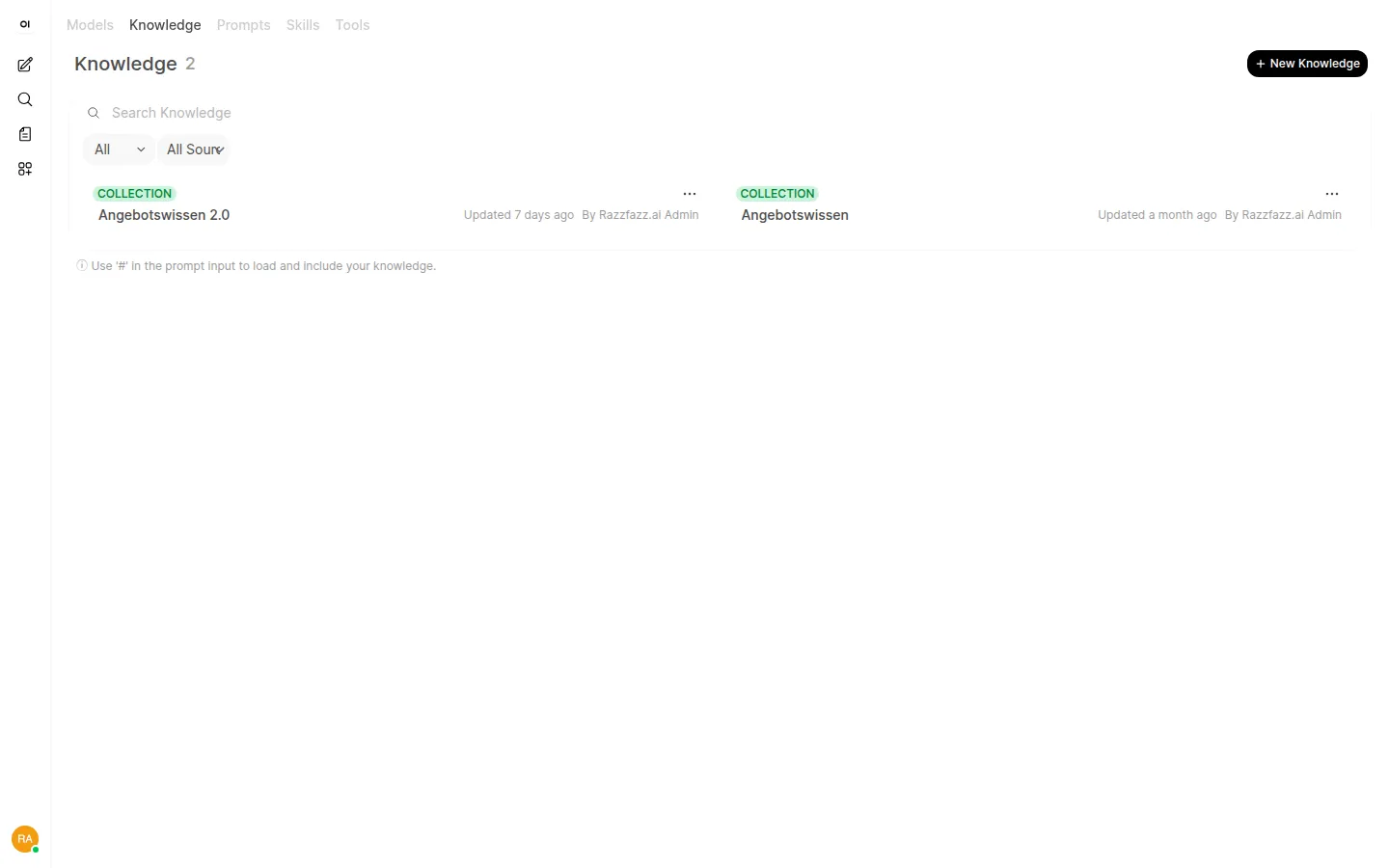
One central company brain for agents, chat and workflows
Cognee builds a knowledge graph across your documents and systems and answers questions via GraphRAG instead of plain keyword search — more precise for complex relationships and across document boundaries. In the stack it serves as shared memory that chat, workflows and agents access through the MCP registry, instead of every module keeping its own knowledge. Because the knowledge graph is built entirely on your own hardware, internal documents and process knowledge stay in house — Cognee is currently included as an experimental module and under active development. At one production company it already consolidates manuals, incident history and process documentation into one central knowledge base that staff query simply via chat.
Personal AI agents per employee — no Telegram, no WhatsApp needed
Every employee provisions their own personal agents through the agent manager — Hermes as a Python agent with persistent memory and more than 30 tools, Moltis as a Rust-based agent server with Matrix integration. They are reached the normal way, through Open WebUI, with no need for Telegram, WhatsApp or any other external messenger. Because the agent manager, Hermes and Moltis all run on the same box as the models, memory contents and conversations stay entirely local — all three are currently included as experimental building blocks of the stack. This makes it possible to build personal assistants that remember earlier requests and take on tasks independently, without data ever leaving your own infrastructure.
Modules: Agent Manager, Hermes, Moltis
Local Coding Agents
No code leaves the box
Coding agents run in a protected container terminal on the box or master — with access to the local Gitea and on-box coding models. They take on bounded jobs like raising test coverage, refactorings or spec-driven implementation and deliver results as merge requests. With models, code and git server on the same infrastructure, there are no external API keys and not a single line of code leaves the premises. One customer already runs an agent that raises unit-test coverage around the clock.
Docling, Tika and Gotenberg read, convert and interpret documents of every kind — from PDFs and Office files to scanned receipts with layout analysis. Vision models on your own GPU handle image recognition, while Stirling PDF is available as a toolbox for merging, splitting and converting. Because the entire pipeline — recognition, conversion and vision inference — runs on the same infrastructure, invoices, contracts and other sensitive documents never leave the building; Docling, Tika and Stirling PDF are currently included as experimental modules. In production, this pipeline already pre-processes receipts for a tax advisory firm and extracts inbound customer documents before sensitive data gets redacted.
Modules: Docling, Apache Tika, Gotenberg, Stirling PDF
Detect and redact personal data — in text and images
Microsoft Presidio detects and anonymizes personal data in document pipelines before it is passed on to other modules — more than 30 categories, in text as well as in images. The Analyzer identifies sensitive spots, the Anonymizer redacts or replaces them, and the Image Redactor does the same job for photos and scans. Presidio runs internal-only as a preprocessing step on the same box as the other modules — personal data gets redacted before it ever reaches a language model; the module is currently included as an experimental building block of the stack. It is already used to redact inbound customer documents and, in image analysis for patient care, to keep sensitive health data entirely within the facility.
The agent manager gives every user their own persistent agents. Coding agents run in a
sandbox inside the stack — source code never leaves the box.
Local LLM
Models run locally
The LLM manager serves the language models on your own hardware — through GPUStack too,
where the legacy profile is enabled. No request ever calls out to a cloud.
Privacy
Personal data stays redacted
Presidio finds and redacts personal data before a document goes anywhere else — automated,
local and auditable.
Extract documents
Knowledge base
PDF tools
Developed by rzfz.ai
The stack is more than the sum of its open-source parts: we build these components ourselves —
the first-party layer that turns loose OSS into a product.
Config UI
The Management UI: run the whole box from one screen
The rzfz.ai-developed management UI is the stack's control center — not just a backup tool,
but a full operations cockpit: turn modules on and off, manage secrets, roll out updates,
trigger backups, upload certificates, and run a factory reset when things go wrong.
Start portal
Start portal: one click to every module
After login, users land on the rzfz.ai-developed start portal — a landing page that
automatically links every unlocked module. No bookmark chaos, no hunting for the right URL.
Agent manager
Agent manager: run personal and coding agents
The agent manager gives every user their own persistent agents — including coding agents
that run in a sandbox inside the stack. In the MCP manager each user sets up their own MCP
integrations alongside and releases them to their agents.
Custom coding agent
Bring your own coding-agent tool
Prefer your own coding-agent tool? Install it as a user-defined coding agent in the
persistent workspace — configured directly through the agent manager.
All 9 building blocks at a glance
Settings Portal
Settings portal — central interface for configuring the rzfz.ai stack
Help Center
Help center — locally hosted documentation and support articles for the stack
Start Portal
Start portal — landing page linking to every unlocked module in the stack
Licenses
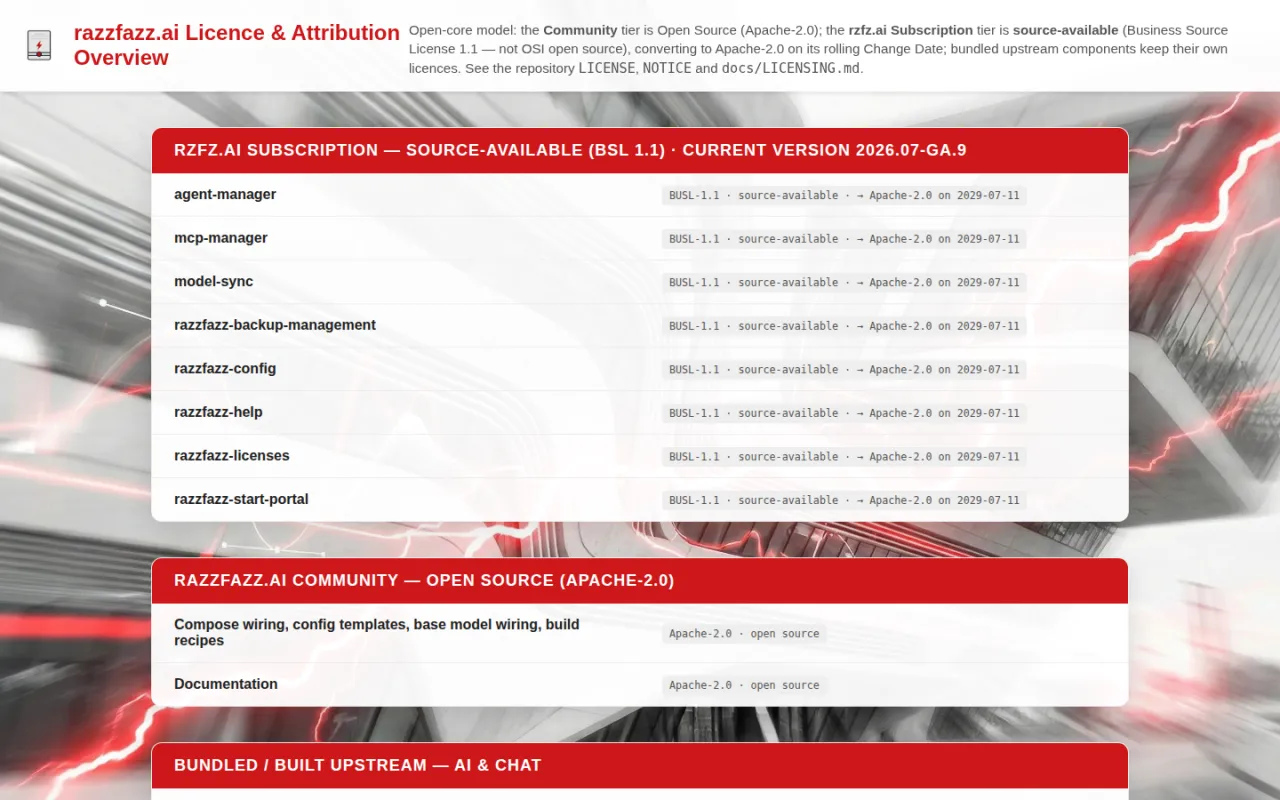
License management — activation and status of unlocked modules and bundles
LLM Manager
LLM manager — one console for every language model on the box: deploy, watch, account for usage
LLM Worker-Agent
Worker agent — starts and supervises the inference engines on every machine in the fleet
Agent Manager
Agent portal — launch, open and watch personal AI agents in one pane
MCP Manager
MCP manager — registration and permissioning of MCP servers for agents
User Defined Coding Agents
User-defined coding agents — free choice of your own coding-agent tool in a persistent workspace
"Nothing leaves the box unless a module is explicitly configured to reach out."
Hardening & compliance
The rzfz.ai Stack — the integrated open-source stack for local AI infrastructure — is hardened
for enterprise use: identity, network and compliance are designed in from the start, not
bolted on afterward.
Identity & access
Authentik sits in front of every module — no service is reachable without signing in.
Role-based access control (RBAC) and multi-factor authentication (MFA) are the default,
not an add-on.
Network hardening
Caddy is the only externally reachable entry point — with rate limiting against abuse.
The Docker daemon is never directly exposed; a Docker socket proxy mediates every
access.
An SSRF proxy filters outbound HTTP calls from workflows before they leave the network.
Every service port is bound to localhost — nothing listens on a public interface.
Compliance
The security documentation includes mapping tables for NIS2 and ISO 27001, plus an
assessment against the OWASP LLM Top 10. Every release ships with an SBOM and a security
assessment.
Secrets & backups
Secret rotation tooling and GPG-encrypted backups are part of standard operations — no
plaintext credentials, no unencrypted backups.
Commercial operation
The community edition, the rzfz.ai subscription and the separately bookable services are
described in full on the Enterprise page — including prices and what is explicitly not
included.
The rzfz.ai Stack — the integrated open-source stack for local AI infrastructure — is
versioned with CalVer and currently ships on a monthly release cycle. The list below shows
every release, newest first.
Roadmap
2026.10 and beyond
Directional — planned features, subject to change.
Coming in 2026.10
Group and permission sync from Authentik to Open WebUI — access rights
in chat follow the groups in the central directory automatically, instead of being maintained
a second time.
A verified model catalogue — every curated model pinned to a fixed Hugging
Face revision whose digest is recorded when it is curated; a model from outside the verified
set shows its risk on deploy and takes an explicit acknowledgement.
Agent types and templates, centrally managed — together with an instance's
lifecycle, like every other application on the box, instead of beside it as a special case.
Single sign-on with auto-provisioned accounts — a new colleague signs in
once and finds their access in the modules already there, instead of someone creating it
module by module.
On the horizon
Log and metric export into customer-owned SIEM and monitoring systems.
Support for new model architectures and speculative decoding for more models.
GRC building blocks for ISMS support (under evaluation).
2026.09-ga
, GA since 21 September 2026 · patch 2026.09-ga.1 of 22 September 2026 — Current stable release
Your models, managed
LLM Manager and console — deploy language models from one web console: from the curated catalogue or straight through the Hugging Face search, plus a fleet page for workers and nodes, the model hub, API keys with per-key limits and token metering, a playground for chat, embeddings and rerank — and a dashboard whose curves follow the measurements.
One OpenAI-compatible endpoint — GPUStack is no longer the product but a backend behind it. The address you already use keeps answering — now from the LLM Manager, with its own keys.
Agent Manager — the fourth app of the one-identity family: a per-user agent portal that shows instances rather than types, opens on the agent's own interface and lets users name their agents; administrators control start, stop and memory for every agent with an audit trail.
Start portal redesigned — shortcuts extended: favourites and categories on the rail, tiles for every new module, and curated one-click tiles: a chat persona with a preset model and prompt, a Dify app, or an external assistant opened with a prefilled prompt — defined once, scoped to Authentik groups.
Settings portal redesigned — at its own address, with the information-first layout of the LLM console, a master-detail pane for settings, and toggles for the new module profiles.
Help Center and licence overview redesigned — two-level navigation, local full-text search and mirrored upstream documentation for every module, plus our own guides for the LLM Manager and the Agent Manager; the licence page shows tier cards, licence families and the full licence texts, which now ship inside the product.
One look across all apps — the same signature and the same dark navigation rail in the start portal, Settings, Licences, Help Center, LLM console and Agent Manager.
Wazuh and OpenUEM — both experimental, off by default: SIEM/XDR with file-integrity monitoring, log correlation and compliance mappings; endpoint inventory, software deployment and remote assistance for the fleet.
Chat and workflows brought up to date — Open WebUI 0.11 with a redesigned interface, human-in-the-loop tool approval and sub-agents; Dify 1.17 with dataset-scoped Knowledge API keys, workflows that can ask a person a question, and skill management. Plus security updates for Authentik, Gitea, Valkey, Crawl4AI, Element Web and Vaultwarden.
First install hardened (2026.09-ga.1) — a stalled model download resumes instead of starting over, post-install says sooner when a model has finally failed instead of waiting out its full budget, and the readiness check understands a box that is online.
Before you upgrade — Anything using your box's model API — the OpenAI-compatible endpoint for language models — needs a new key after the upgrade. The address you already use keeps working; only the key changes. Mint one key per consumer in the LLM Manager console and swap it in.
v2026.08-ga
, currently v2026.08-ga.15 of 21 August 2026 — Previous release
Offline & air-gapped operation: the box runs entirely without internet; installing and updating without internet with the rzfz.ai Subscription.
Offline & air-gapped — module operation without internet access, and installation and updates without internet with the rzfz.ai Subscription: everything the box needs for it is held locally, with completeness checks before each restart and optional kernel-side egress sealing of the host.
Apple Silicon inference (optional) — Mac machines can be connected through a gateway as additional inference nodes.
rzfz.ai Shortcuts — curated mini-apps for business users, managed through the start portal.
Enterprise documentation portal — access-protected customer documentation at docs.rzfz.ai.
Domain change in one click — a changed box domain name now propagates fully: SSO provider, login URLs and every service follow automatically.
Password manager hardened — Vaultwarden stores in PostgreSQL (part of the standard backup), SSO login issues fixed, compatibility with current Bitwarden clients.
Security and currency sweep — including a critical Gitea hotfix (CVE-2026-59774), updates for Matrix, LightRAG, Valkey and base images; four hardened internal auth paths.
Continuously hardened across 15 patch releases; public downloads now on GitHub (github.com/rzfz-ai/rzfz-ai-service-stack).
v2026.07-ga
Open-core licensing goes public: Apache-2.0 Community, the rzfz.ai Subscription and coding-agent workspaces
Open-core licensing, delivered publicly — a free Apache-2.0 Community tier, a source-available tier (BUSL-1.1) under the rzfz.ai Subscription, a live license overview, a public GitHub mirror and a published Community Wiki
Coding-agent workspaces — personal coding agents are now per-type sandboxed containers (OpenCode, Codex, user-defined) with live web-app preview plus per-user MCP integrations and memory
Dify 1.15.0 — single sign-on no longer asks you to log in twice
v2026.06-ga
One default model: qwen3.6 at 1M context for chat, coding and vision
qwen3.6 is the one default model for chat, coding, general tasks and vision at 1M context — no per-role model juggling
Document Q&A works out of the box — the reranker and chunking defaults that make RAG find the right facts ship pre-configured
Smoother upgrades — both the standard and the from-2026.04 upgrade paths are validated, with upgrade self-healing and journaling
Audit-ready compliance tables — structured NIS2 (EU 2022/2555) and ISO/IEC 27001:2022 evidence in the security architecture
v2026.05-ga
Per-user personal agents: Hermes, Moltis and coding agents in the "My Agents" drawer
rzfz.ai start portal — tile launcher with per-user pinning
New Crawl4AI module and observability profile (OpenLIT + ClickHouse)
Open WebUI ↔ Dify manifold pipe
v2026.04-GA
One command from base install to fully configured stack: razzfazz-post-install.sh
razzfazz-post-install.sh automates GPUStack model deployment plus Open WebUI and Dify setup in one step
Two experimental RAG modules: LightRAG (graph-aware) and Cognee with FalkorDB
Encrypted .env snapshots before every configuration change; AMD GPU inference fix
The rzfz.ai Stack — the integrated open-source stack for local AI infrastructure — supports
only Ubuntu 26.04 LTS as an operating system. The same rule applies to every deployment
profile: We name the limits before you find them.
rzfz.ai Box
AMD Strix Halo (Ryzen AI MAX+), 128 GB unified memory
AMD-only inference — no NVIDIA/CUDA path on the box
vLLM currently unsupported on Strix Halo (production: llama.cpp via Vulkan)
The 32 GB container budget limits how many modules run concurrently
One intensive agent loop at a time — sizing rule ~1 box per 6–10 employees
Own server / VM without GPU
Any Ubuntu 26.04 host, ~16–24 GB RAM
Requirements
Ubuntu 26.04 LTS, kernel 7.x
Docker Engine + Compose v2
Limitations
CPU inference is slow — fine for light or batch workloads, not for interactive agents
As a control plane it delegates inference to GPU workers (boxes or cloud)
NVIDIA/CUDA server
Ubuntu 26.04 host with NVIDIA GPUs — own hardware or GPU cloud
Requirements
Ubuntu 26.04 LTS
CUDA-capable NVIDIA GPU(s)
Docker Engine + Compose v2
Limitations
Inference via llama.cpp on CUDA, models in GGUF format
The VRAM ceiling is a budget question, not an architectural one
Cloud instance
Any Ubuntu 26.04 cloud instance — with GPU as worker, without GPU as control plane
Requirements
Ubuntu 26.04 LTS
Docker Engine + Compose v2
Limitations
Data sovereignty depends on the cloud provider — for strictly local scenarios choose the box or own hardware
Mixed fleets
Many teams combine profiles instead of committing to one: a control plane without its own
GPU orchestrates several rzfz.ai boxes as local inference workers and, when needed, pulls in
additional cloud GPU workers for peak load. Core operations stay local — peak load is
covered by resources booked from the cloud, without giving up data sovereignty. Find
matching combinations under Bundles.
What do you need? What system do you have?
Type a need or your system — we tell you honestly how it fits the stack.
How integration works with us
Prewired
A module in the stack already covers it — ready to use, no extra work.
Dify plugin
The Dify Marketplace covers it — the stack inherits it automatically. for technicians
REST / MCP
If your system speaks REST or MCP, it connects directly — no detour.
Custom · built by us
Local, niche business software that's in no catalog — that's exactly what we build the
integration for.
Chat / assistant
Prewired
Prewired — Open WebUI gives you ChatGPT-grade chat, fully local.